-
-
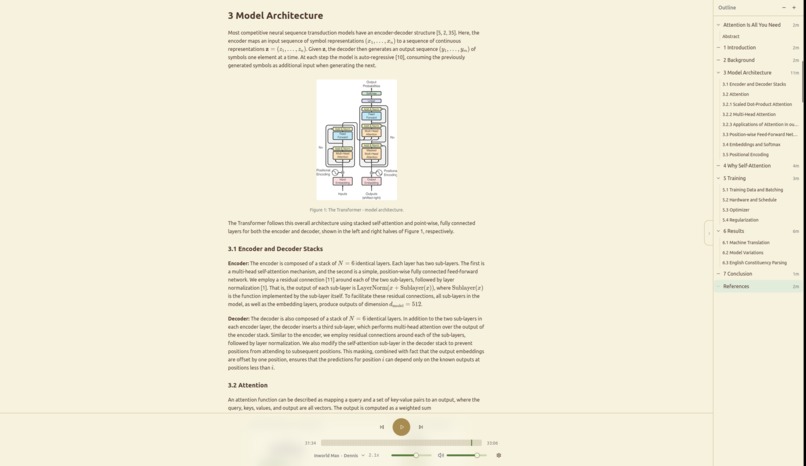
Attention Is All You Need
-
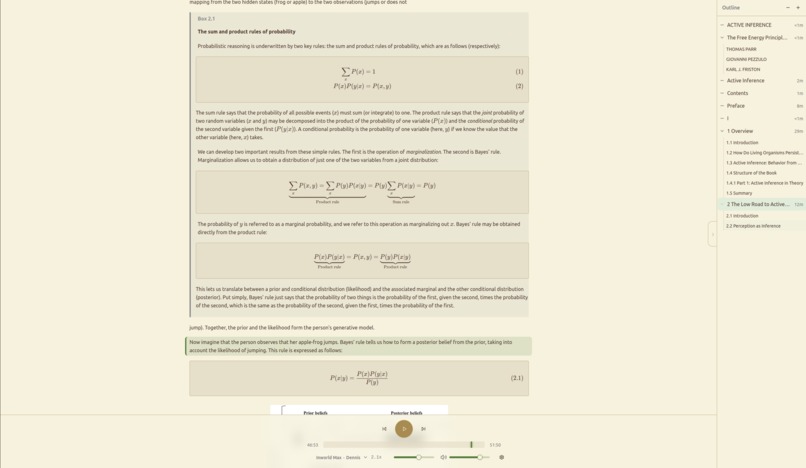
Complex math within a callout + Document outliner for a book
-

Mobile landing page
-
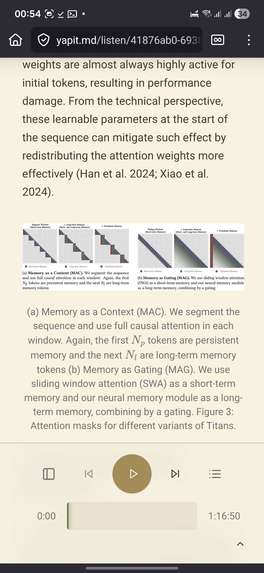
Mobile playback page
-
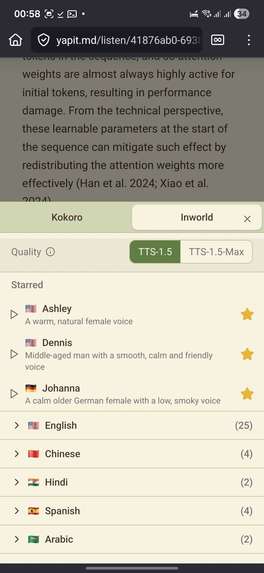
Voice-picker
-
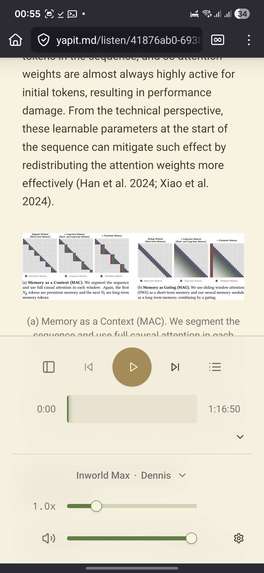
Mobile settings
-
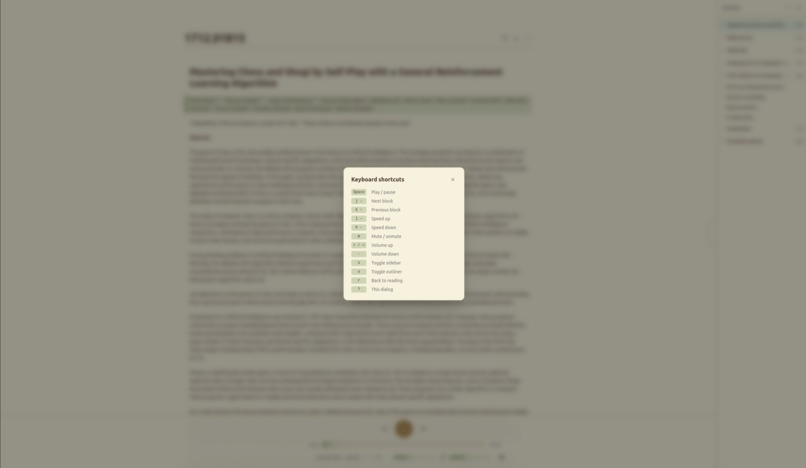
Keyboard shortcuts


Inspiration
I struggle keeping focus when reading. Listening at the same time as reading plus text-highlighting help me a lot to keep track of the text and not drift with my thoughts. With Yapit, our goal is to enable listening not just to simple text, but academic papers, blog post, or any other document with challenging formatting without any auditory or visual distractions. Existing TTS tools treat this as an afterthought: You get raw LaTeX read aloud, figure captions mixed into body text, page numbers narrated between paragraphs. The extraction is dumb, so the audio is distracting or outright unusable.
What it does
Yapit solves all of these issues, and does so in an accessible way:
- We use Gemini to generate structured markdown with custom semantic tags for display-only content
<yap-show>, for audio-only descriptions<yap-speak>, and for image captions<yap-cap>(rendered distinctively). - In the absence of figure captions, Gemini also generates alt-text (read aloud) for accessibility.
- The DocLayout-YOLO model reliably detects images (and their position), including vector graphics in PDFs. Gemini places image placeholders in the markdown, which we substitute with the extracted images.
- Free browser-local TTS (WebGPU, WASM) with the 82M parameter Kokoro model.
- Unlimited hosted Kokoro access on an affordable plan, premium voices (Inworld TTS 1.5) on premium plans.
- Text-blocks are split according to heuristics that make sure they stay coherent blocks and benefit from premium voice's ability to infer prosody/tonality from context (maximizing chunk size up to a point while respecting sentence boundaries).
- All you have to do is paste a URL or drag-and drop a file.
- AI-transformations are cached (per page): If one person transforms a document, it's available for everyone who uploads the same document for free.
- Audio is also cached (per voice configuration). This is relevant for individual users, less so for sharing, due to the combinatorial explosion of hundreds of available voices + text.
- Batch reqeusts are supported for AI-transformations, which pass on the 50% cost-savings from the Gemini Batch-API.
- A document outliner allows easy navigation, collapsing of sections, exclusion of sections - even documents with hundreds of pages become navigatable.
- Keyboard shortcuts and media controls for power users.
- Care for detail.
How we built it
Architecture overview and sequence diagrams available here.
- Backend: Python / FastAPI, PostgreSQL + TimescaleDB (metrics), Redis (job queues, pub/sub, caching), SQLite WAL (audio blob cache).
- Frontend: React SPA with React Compiler, Vite 6, Tailwind CSS 4, Kokoro.js (in-browser TTS via WASM/WebGPU).
- AI/ML: Gemini 3 Flash (vision-based per-page PDF extraction), Kokoro 82M (open-source TTS on CPU and GPU workers + browser), Inworld TTS 1.5 (premium voices), DocLayout-YOLO (figure detection).
- Infrastructure: Docker Swarm on Hetzner VPS, Traefik, Cloudflare (CDN + R2 image storage), RunPod (serverless CPU/GPU overflow), Tailscale (VPN mesh for external workers), Stripe Managed Payments, Stack Auth.
- Other notable: Markxiv (Better free LaTeX -> markdown for arXiv papers), Playwright (headless Chromium for JS-rendered pages), Smokescreen (SSRF proxy).
- Dev:
- Wiki-linked knowledge management system for AI-assisted development: Three-way split (tasks/handoffs/knowledge) using wikilinks, enabling sustainable multi-session development with Claude Code agents.
- Full infrastructure-as-code setup for the Stripe integration
- Observability and alerting: TimescaleDB with batched writes, tiered retention, structured logging and metrics sync to DuckDB local dashboards and agent-in-the-loop automated health reports.
Challenges we ran into
- Balancing costs/rate-limits and quality: In order to make extractions both affordable and fast, we chose to use Gemini 3 Flash with minimal thinking mode. However, this is a tradeoff with quality - our use-case requires juggling custom tags, visual layout information, transforming diverse layouts into markdown, accurately transcribing math, and contextually annotating math to sound natural, which reaches the limits of the minimal-thinking mode for this model and made it necessary to carefully tune the prompt.
- Avoiding buffering and minimizing "time to first audio": This is a balance act for text chunk-size where longer is better for TTS quality, but also requires an efficient infrastructure and finely-tuned pre-fetching algorithms.
- Ensuring our RunPod serverless overflow capacity triggers just at the right moment to prevent buffering / latency issues when usage spikes and VPS capacity for Kokoro TTS or Yolo image-processing is exceeded.
- Supporting seamless audio-playback in all popular Browsers was challenging.
- ... and many more!
Accomplishments that we're proud of
Scalability and technical finesse:
- Pull-based worker architecture with redis, which allows to add any number of workers for TTS or image-detection that process jobs, to increase baseline capacity on-the-fly (before triggering serverless overflow).
- Semantic tag system with custom parser and "dual-channel-rendering".
Features (beyond what was already mentioned)
- Automatic scroll with smart detach/reattach: Scroll during playback to detach auto-scroll, click "Back to Reading" to re-attach.
What we learned
Personal:
- The idea seems simple at first, a 1-week sprint, or so I thought. However, getting this 100% right and also making it available (in a way that's economically sustainable) to other people (besides self-hosting it) is not trivial (unknown-unknowns, computational irreducibility / growing complexity of software systems with many integrations).
- While coding agents allow you to move very fast, going too hands-off for a non-toy project slows you down considerably. It's critical to always have a full understanding of ~the entire codebase, in order to be able to efficiently delegate, spot the necessity for refactors, redesigns, and being able to step in when coding agents fail.
Technical:
- Ensuring idempotency and handling arbitrary delivery order of stripe webhooks is important.
- When fetching user-submitted URLs: DNS rebinding attacks bypass application-level IP validation for SSRF.
What's next for Yapit
Yapit is now ready to be publicly launched, our next step will be to share it with the world.
There are also a few features left which we aim to implement within the coming days:
- Using Gemini to transform not just PDFs, but also making websites more listenable.
- Improving self-hostability, documenting how to add and run new open-source models.
- MP3 export
- Image upload
- Various QoL improvements
Built With
- alembic
- bash
- cloudflare
- docker
- duckdb
- fastapi
- gemini
- github
- hetzner
- huggingface
- inworld
- markitdown
- markxiv
- nginx
- playwright
- postgresql
- python
- r2
- react
- redis
- runpod
- shadcn
- smokescreen
- sqlalchemy
- sqlite
- sqlmodel
- stack-auth
- stripe
- tailscale
- tailwindcss
- typescript
- vite
- yolo
Log in or sign up for Devpost to join the conversation.