-
-
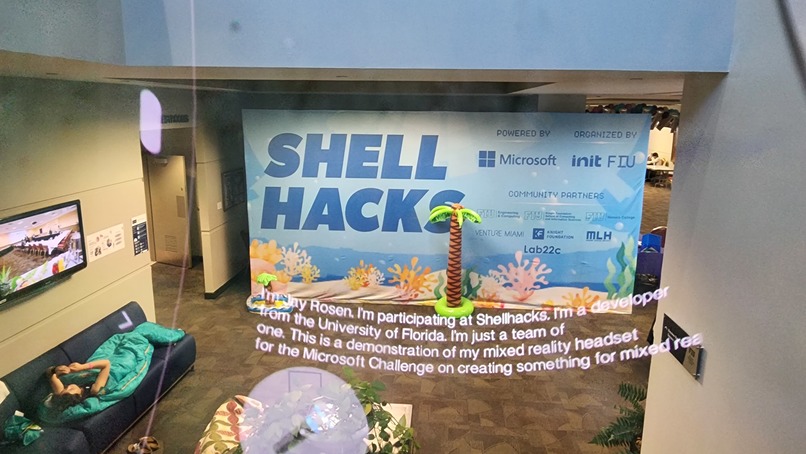
Demo of Mixed Reality captions
-
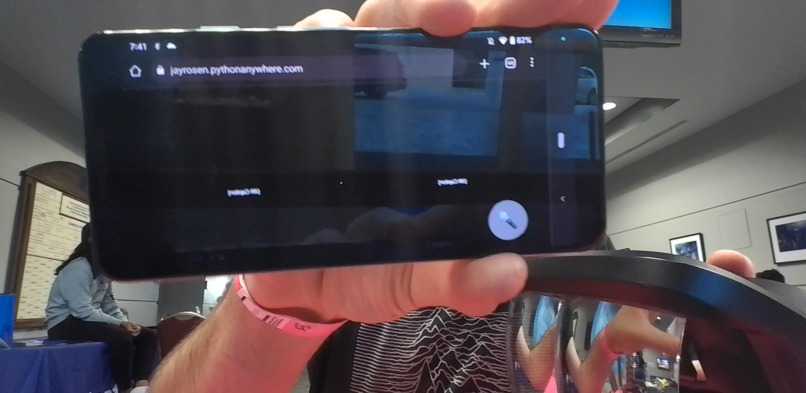
Phone app - stereoscopic
-
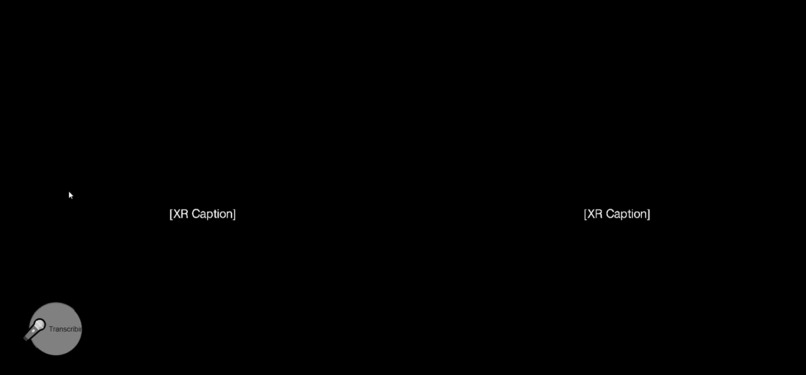
Initial screen
-
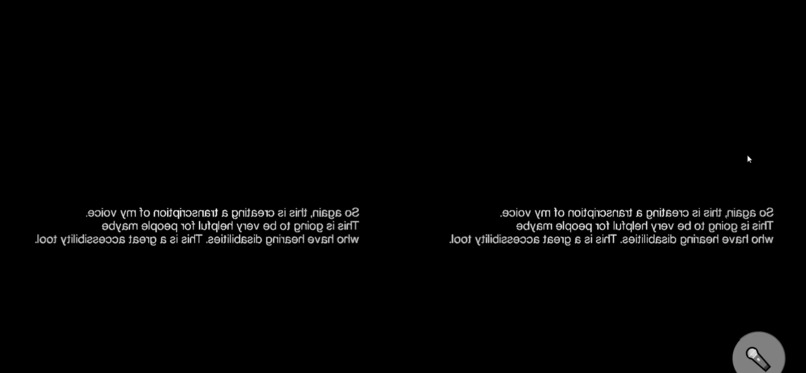
Reversed stereoscopic text for AR headset
-
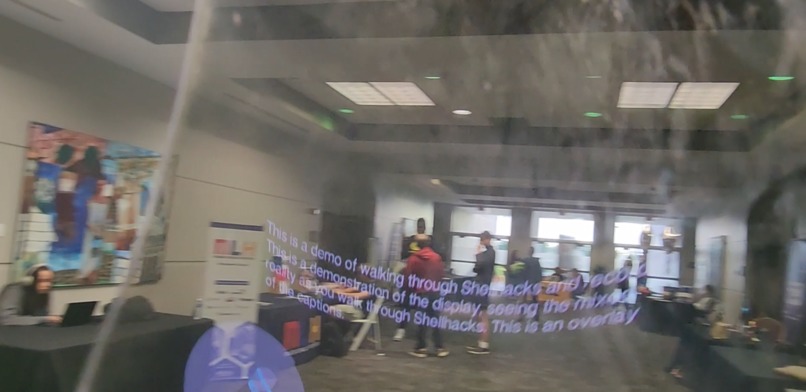
Demo mixed reality
-
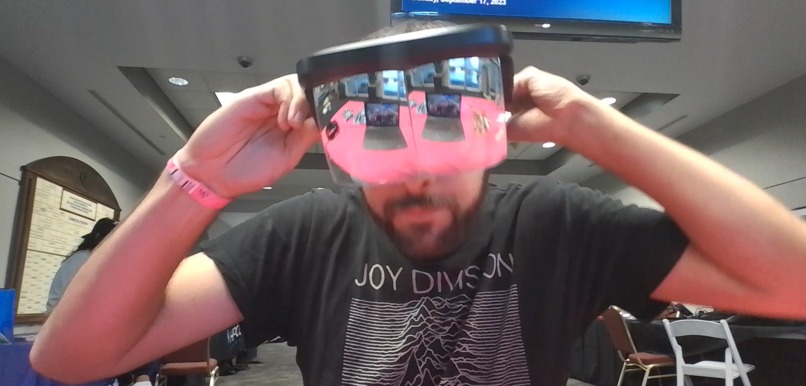
Wearing open-source 3D printed AR headset


Inspiration
XR Caption adds subtitles to reality, to improve accessibility to information, and can be used in the classroom to enhance education. Goal to enable the disabled, to hear with our eyes using AI.
What it does
This app transcribes speech to text, to help people read what they are hearing, or what they can't hear. This improves accessibility to information for everyone, especially those with hearing disabilities.
How we built it
Python Flask application uses OpenAI Whisper API to transcribe speech to text. The text is rendered in stereoscopic mode and reversed using Three.js VR library to be compatible with open-source Augmented Reality glasses.
Challenges we ran into
Challenges with stereoscopic mode updating the text within the confines of the space with variable text sizes. Challenge to implement voice commands to activate and stop transcription.
Accomplishments that we're proud of
Proud to help improve accessibility to all. The MVP was to render AI generated text in stereoscopic mode using Javascript - and it works! The headset design costs about $5 to manufacture, and compares in capability to $3,500 Apple Vision Pro or Microsoft Hololens. This is a simple utility app that can improve daily lives without breaking the bank - Augmented Reality for everyone.
What we learned
Learned Three.js, OpenAI Whisper API, setting up a public Flask app, UI / UX for a11y.
What's next for XR Caption
Improved UI, ChatGPT and Elleven Labs integrations for chatbot and audio capabilities. Will continue to work on hands-free controls such as voice and movement to control the app.
Built With
- ai
- augmented-reality
- flask
- openai
- three.js
- whisper

Log in or sign up for Devpost to join the conversation.