-
-
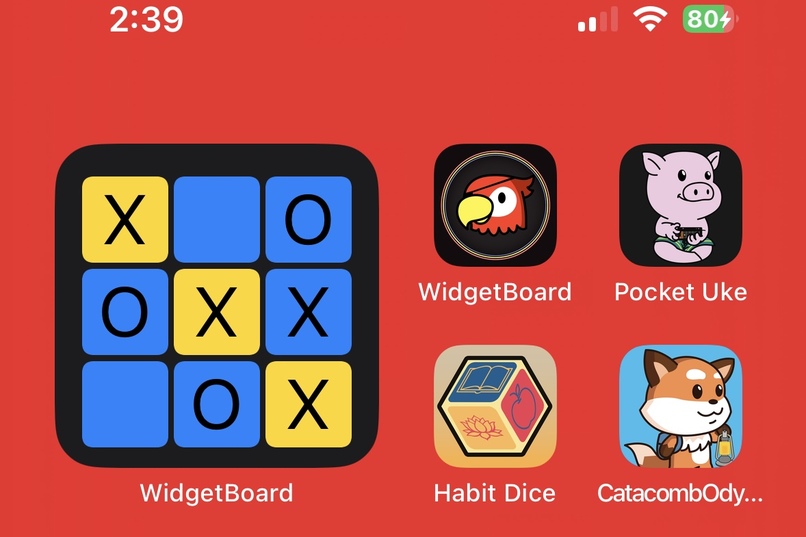
Interactive Widgets In the Home Screen
-
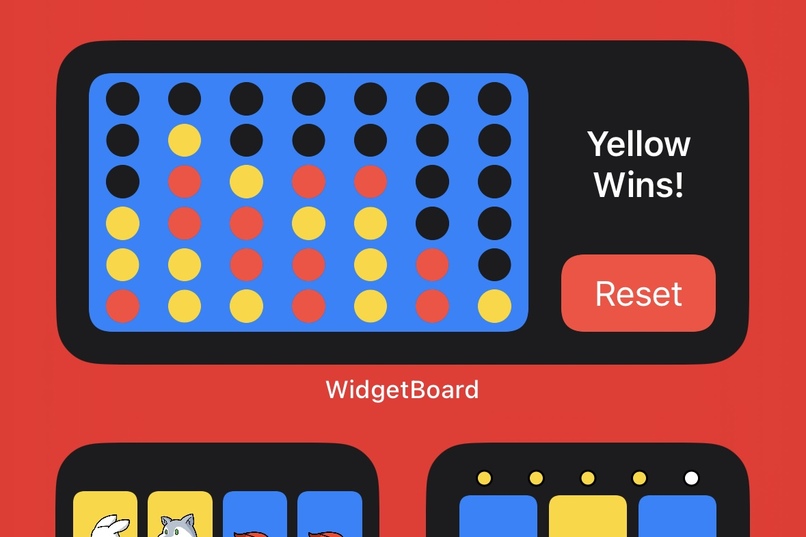
Play against AI or a friend
-
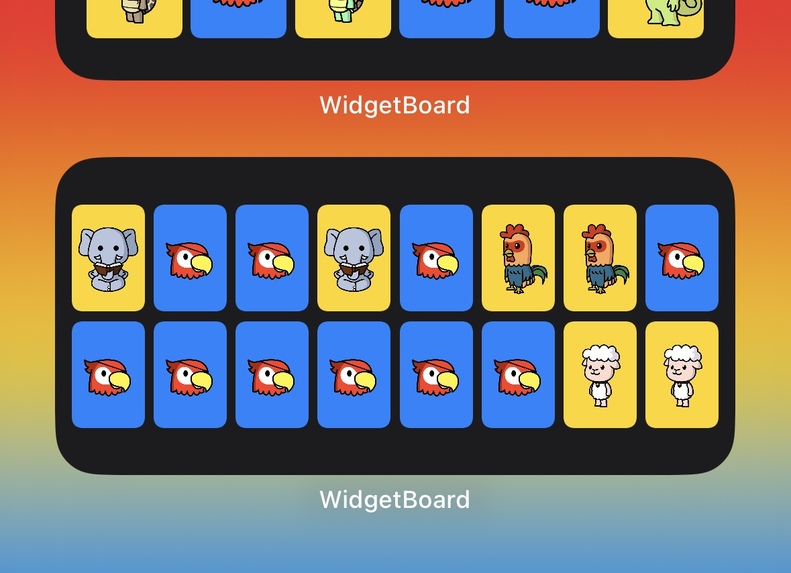
Test your memory skills


Inspiration
Since the release of iOS 17 and the introduction of interactive widgets, I've been inspired to see what I can create with these widgets and get an understanding of WidgetKit and its capabilities. I wanted the app to have an avatar, so I decided to have a red macaw parrot which fit the pirate themed event from RevenueCat. The overall aesthetic of the app from the background, to the games and elements has a red, yellow, blue color which fits the primary colors of the red macaw.
What it does
The main purpose of the app is to allow users to play iconic games like Tic Tac Toe, Card Match, Connect Four, and Simon Says in the home screen as an interactive widget.
How I built it
I build it using Xcode and SwiftUI.
Challenges I ran into
This was my first time making any widget so it was a lot of trial and error. One of the biggest challenge I ran into was when I thought my widgets were working since it was performing as it should when I ran it through the simulator and my phone using the widget extension. I come to find out that it didn't behave the same way as it should when I ran the simulator and my phone using the app. The problem was the use of DispatchQueue didn't work with widgets and I had to experiment with different methods until I got the desired result that worked. There was another major bug that I wouldn't have noticed if I didn't do ample testing in which it significantly slowed down my phone to the point where I would have to force restart my phone. By understanding the nature of widgets, I was able to fix that major bug in just a few lines of code.
Accomplishments that I'm proud of
I'm proud at how the app looks and that the widgets work the way I envisioned. It was definitely exciting when I got the first widget to work and validated the feasibility of what I wanted to do.
What I learned
I started this project with no idea of how widgets worked and I feel like I've learned so much about widgets and WidgetKit. I always get a bit hesitant about working with something new and usually learn about it first, but I'm glad I dove right in.
What's next for Widget Board
I started the journey by brainstorming and listing down all the games that would be feasible to put on a widget. I only chose a couple based on what I thought would be the best option in the limited time I had before the deadline. For future updates, I wanna implement the rest of those games. I also want to test out different widget types such as the lock screen widget. My current widgets and app also has a lot to improve on and I'm excited to keep on learning and making an app that users will want.


Log in or sign up for Devpost to join the conversation.