-
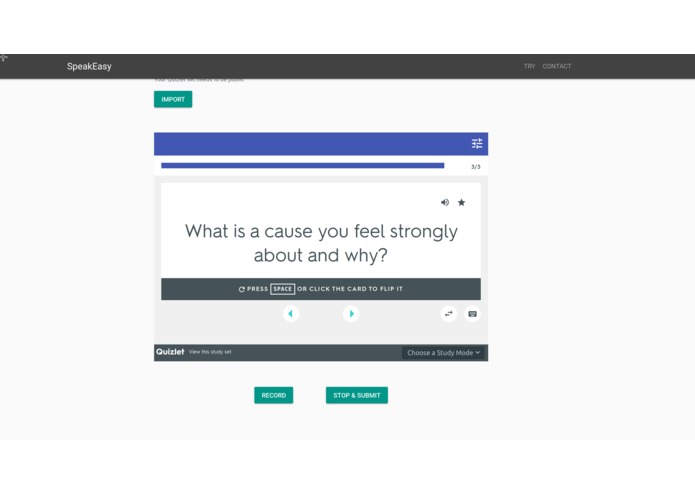
Supports cue cards
-
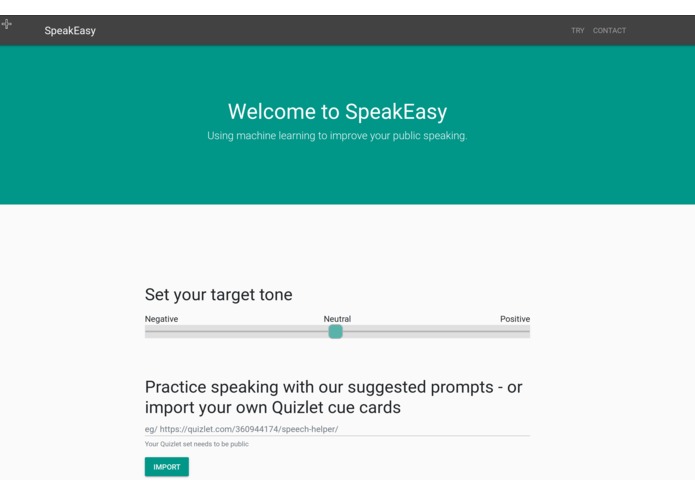
Landing page


SpeakEasy (Speech-processing easily-accessibly kit, SPEAK) is an open-source website designed to encourage users to be confident about their public speaking skills. It supports integration with Quizlet, letting users upload their cue cards to read at their own pace. When you record a snippet of your speech, it automatically analyzes your face, emotions, tone and provides relevant feedback at a click of a button.
Running
Git clone into a local repository, and follow the following guides
Server (requires python3 and unix/linux)
- Install all python dependencies from
requirements.txtinto your current python environment - Install flask through
pip3 - Install
google-cloud-vision,google-cloud-language, andgoogle-cloud-speechthroughpip3 - Setup google api credentials:
- Register for a google developers account
- Enable
Google Cloud Vision,Google Natural Language, andGoogle Speech-to-textapis - Create Service account credentials, download and put the
jsonfile in theserverfolder (namedcredentials.json)
- Run the server using
make run
Client (requires python3)
- Just run
python3 -m http.serverin theclientdirectory. - Navigate to
localhost:8000 - ???
- Profit.
Built With
- css
- hard-work
- html
- javascript
- makefile
- python

Log in or sign up for Devpost to join the conversation.