-
-
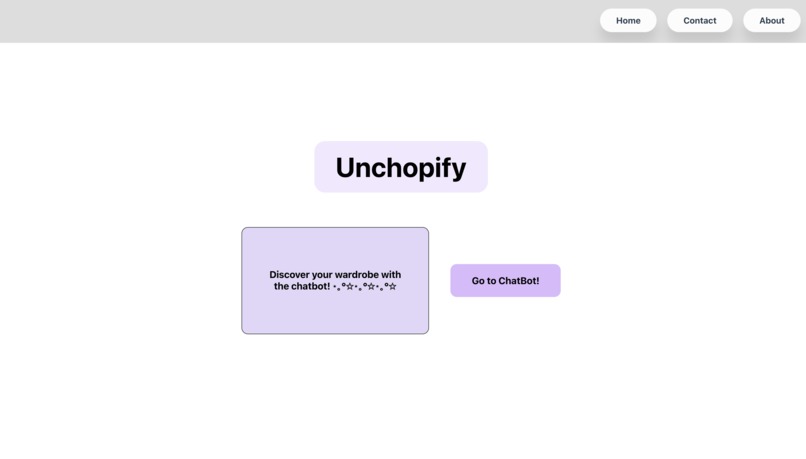
Landing page: title, textbox: discover your wardrobe, a button that navigates to AI chatbot, and navigation bar.
-
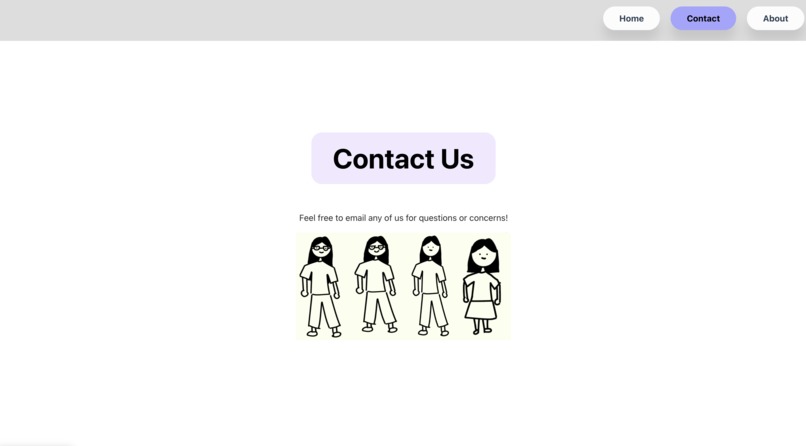
Contact page: title, textbox describing that users can email us for any questions or concerns, and avatar pictures of the whole team.
-
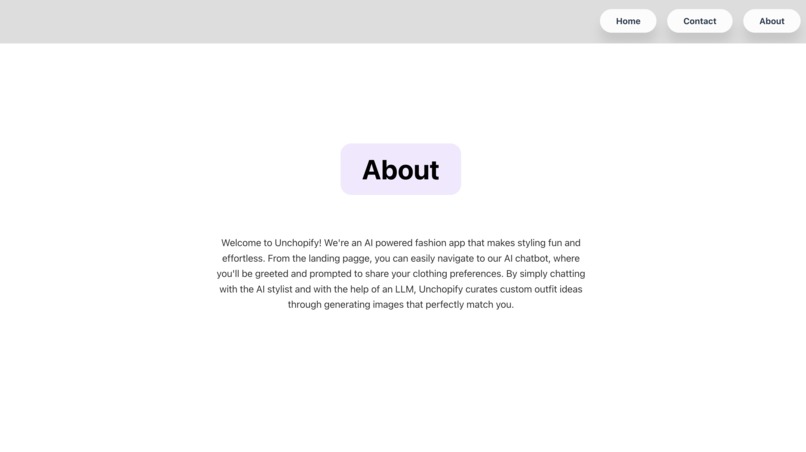
About page: title and a textbox that explains an overview about the app.
-
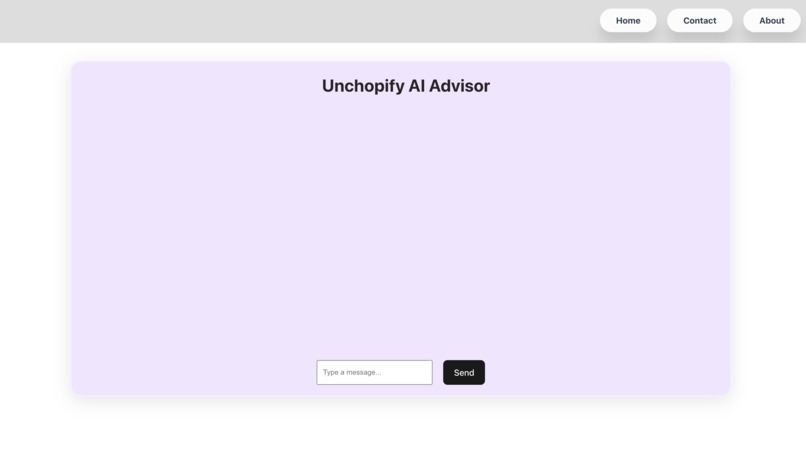
AI chatbot page.
-
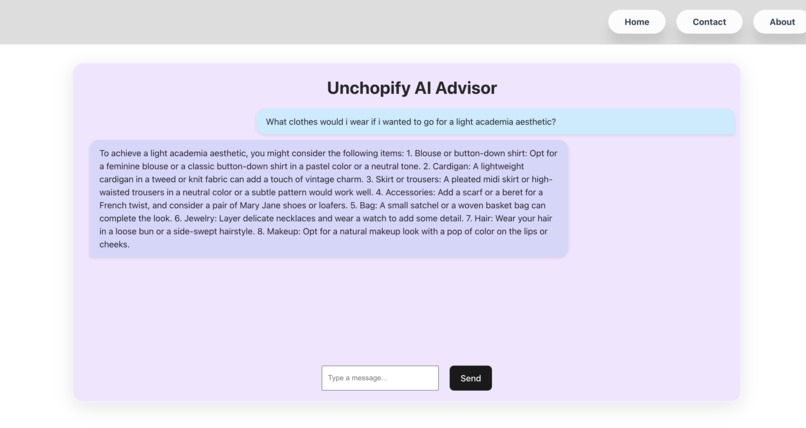
AI chatbot example with user input.


Inspiration
We want to help people find their personal fashion style using AI.
What it does
This app chats with the user about fashion related subjects to encourage them to think about their style preferences.
How we built it
Front-end: We used vite react along with basic HTML and CSS components to make the app visual appealing in order to improve the user experience. Implemented UI designs for the AI chatbot and its messages. Back-end: We used FastAPI routes, where the back-end calls data from the AI model and sends the data to the front-end. The messages sent by the AI is curated to send messages specifically about fashion.
Challenges we ran into
Front-end: Integrating front-end with back-end, specifically fetching the AI responses to appear on the development server. Back-end: Receiving calls from the AI API, communication between front-end and back-end, and finding a suitable AI model to use.
Accomplishments that we're proud of
We are proud of implementing the LLM model for our chatbot to respond to and specifically curate responses to users about fashion advice.
What we learned
Learning to read through documentation and implementing LLM models.
What's next for Unchopify
We would like to find a suitable free image-to-image model to call upon. We would like to be able to superimpose an image of a piece of clothing on top of a picture of the user, that way the user can view all the offered choices from the AI bot.
Built With
- css
- fastapi
- html
- hugging-face
- javascript
- python
- react
- vite

Log in or sign up for Devpost to join the conversation.