-
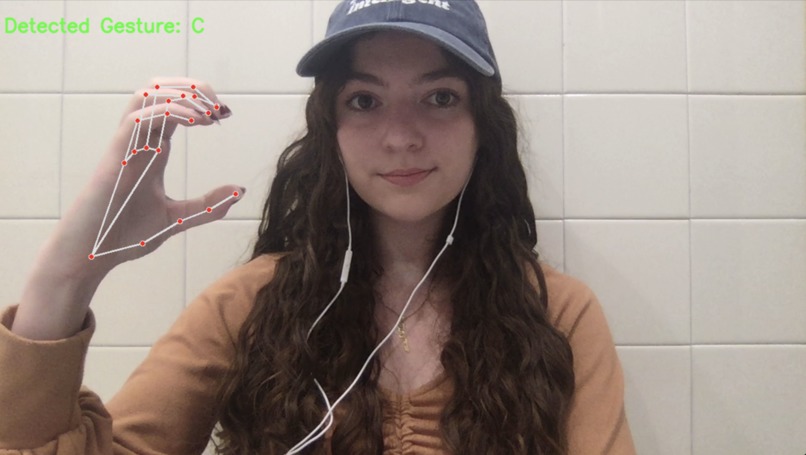
Successful detection of the letter 'C' being signed in ASL
-
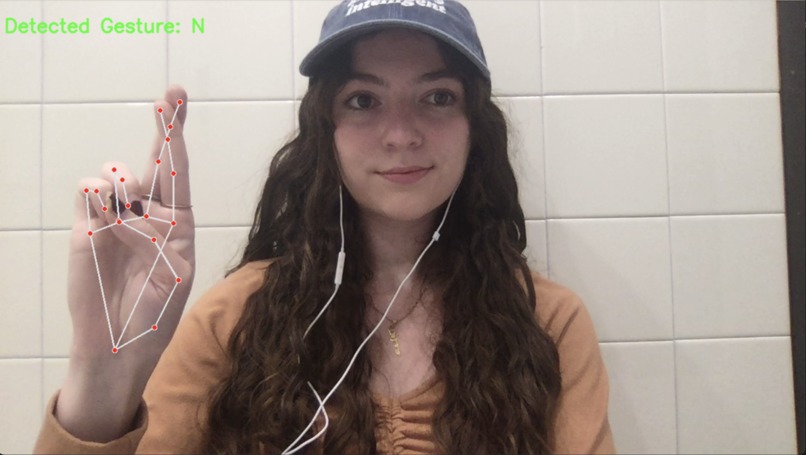
Unsuccessful trial
-
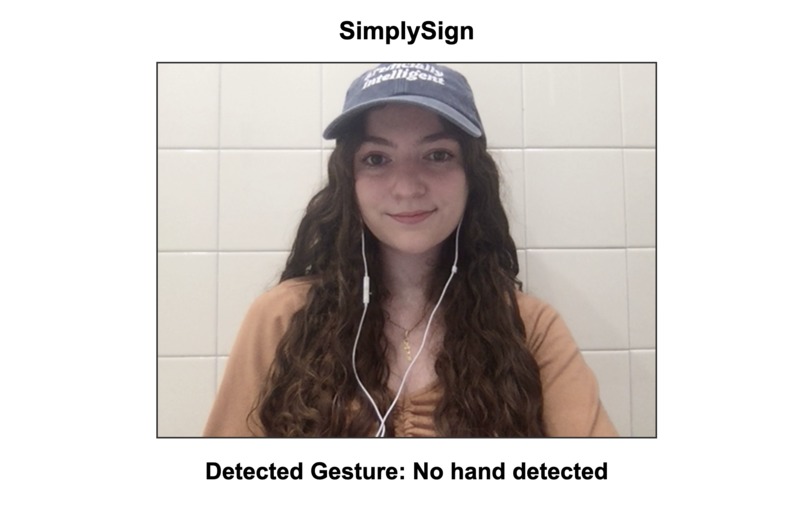
Successful detection of no letter being signed
-
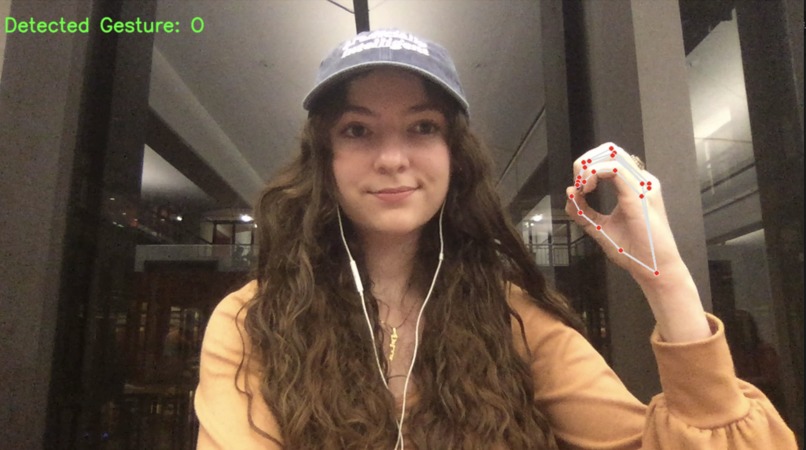
Successful detection of the letter 'O' being signed in ASL
-
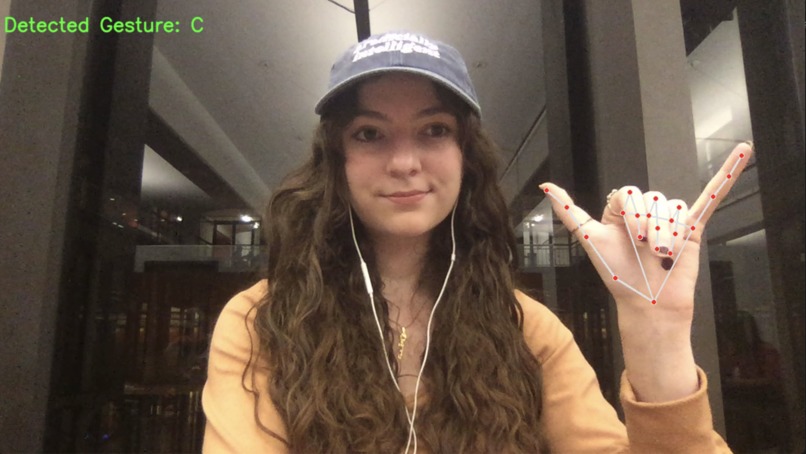
Unsuccessful trial


Inspiration
After spending some time in the hospital last year, I quickly became aware of just how isolating and scary the experience can be. And after hearing one of my good friend’s stories of her own experience being hospitalized, I was sure that I could use our experiences to help other patients, and other people all around the world. My friend found herself in an Italian hospital, oceans away from home in a country whose language she didn't speak. This is an unfortunate reality that many face, though applications such as Google Translate can help to bridge the gaps in communication that can occur during these tense moments. However, without any Google Translate for sign language, as well as a 2022 Reuters Health article which reported that nearly one-third of hospitals in the US don't offer any sign language interpreters at all, I knew that this was likely an experience which was all too familiar for those who rely on signing to communicate. From there, my project began, and just as quickly as it did, it grew and became something that can apply to many situations outside of healthcare as well.
How it's Built & What it Does
My project acts a sort of sign language translator in which the user can sign into a camera, have their actions and hand gestures analyzed, and then the text equivalent of their signs will be displayed on the screen. Currently, my application supports American Sign Language (ASL) to English text translations for static letter signs. I built my project by first creating a machine learning model to recognize American Sign Language (ASL) letters. I trained the model using the Sign Language MNIST dataset in Python and PyTorch. Once the model was trained, I converted it to ONNX format to make it compatible with JavaScript for web deployment. On the front end, I used HTML, CSS, and JavaScript to create a simple user interface. The web app captures hand gestures using a webcam, processes the images, and then translates the detected signs into text displayed on the screen.
Challenges I Faced
I ran into many challenges while bringing my project ideas to life. The first major obstacle that put a pause on my project development was the time requirement for training my model using the Sign Language MNIST dataset. My old MacBook, with its slower CPU, significantly increased the training time, forcing me to stop the process after only 20 epochs. This incomplete training caused some performance issues, leading to a higher rate of errors than expected, as the model had not fully parsed and analyzed the dataset. Another challenge was transitioning from Python to JavaScript when integrating the front end of the application. Initially, I had trained and developed my model in PyTorch, which produced a .pt model. However, for web deployment, I had to convert this model to an ONNX format compatible with JavaScript. This process introduced additional complexity, as I faced issues with mismatched input shapes and difficulty loading the model correctly in the browser. The switch from Python to JavaScript for model inference posed significant challenges, requiring me to rethink how I handled model inputs and outputs, particularly with the ONNX runtime.
What I Learned
Throughout the making of this project, I learned a lot about working with machine learning models and their deployment. Having never worked with any sort of machine learning before, one of the biggest lessons for me was learning how to bridge the gap between different technologies — from training a model in Python using PyTorch to converting it for use in a JavaScript-based web app. I also gained experience in handling the challenges that come with working across both back-end and front-end environments. Additionally, I improved my skills in debugging, especially when integrating complex machine learning models with front-end interfaces.
What's Next for SimplySign
The future of SimplySign includes the addition of words, phrases, and full sentences, as well as other common sign languages such as British Sign Language (BSL), Spanish Sign Language (SSL), French Sign language (FSL), and more. Additionally, I would like to continue to work on my user interface and improve the overall design of the project, including adding subtitles to display the detected text as well as incorporating text-to-speech functionality. After that, utilizing an application such as Unity to create a mobile app which supports IOS and Android builds would help spread my project and put it in the hands of those who could benefit from it.


Log in or sign up for Devpost to join the conversation.