-
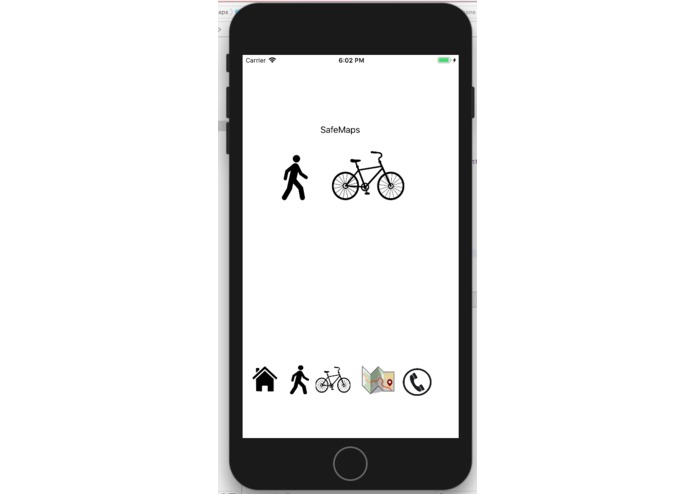
Home
-
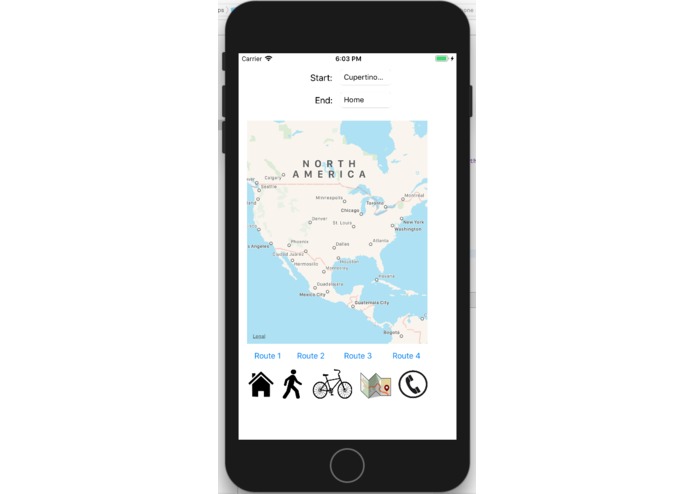
Main Map
-
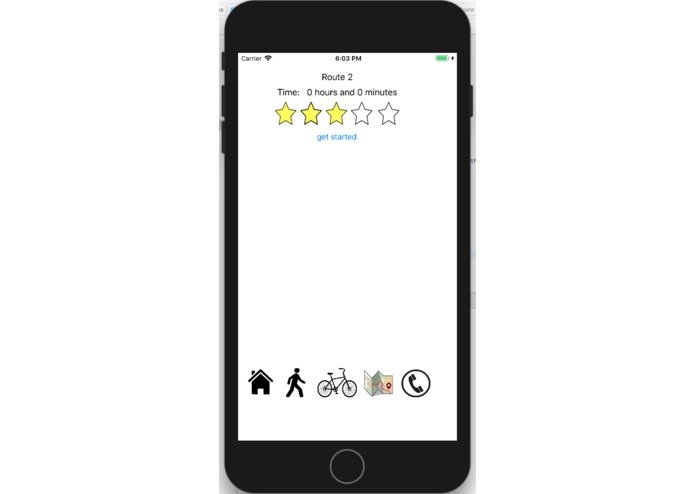
Initial Page
-
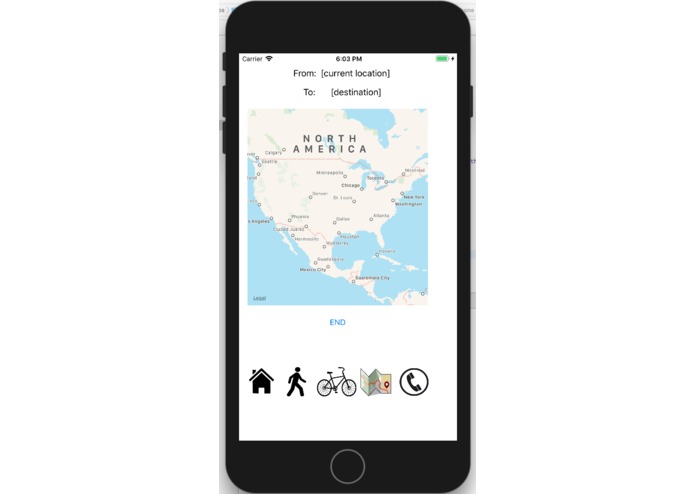
Routing
-
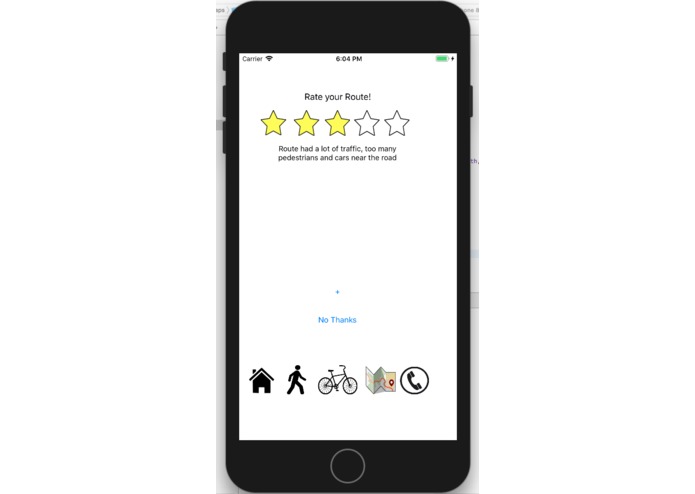
Write your review


Inspiration
As students in high school, we often walk or bike to and from school before acquiring a permit or a license. However, it is often really dangerous to ride/walk aside ongoing traffic and other cars. Sometimes, we need to find the safest route to reach a desired destination, which Google Maps cannot provide.
What it does
It directs students to find the safest routes to a destination while biking or walking. Students are able to rate and review routes, and these routes show up on the main map. It also includes a phone button for emergency calls in case of accidents or even a possible 911 call.
How we built it
We used XCode iOS app maker in Swift after storyboarding on paper.
Challenges we ran into
We had to figure out how to connect the maps with our app, and also how to transfer data between screens. This includes locations, reviews, star-ratings, etc.
Accomplishments that we're proud of
Adding a functional call feature. In the call page, students can click on the phone, which will call a pre-set number for emergencies.
What we learned
How to code in Swift!! How to transfer data between ViewControllers, how to connect mapping with our app, how to make icon buttons
What's next for SafeMaps
Further specifying multiple walking/biking routes. Adding more emergency numbers to the call page. Display estimated travel time on the map, along with ratings when a signpost is tapped.

Log in or sign up for Devpost to join the conversation.