-
-
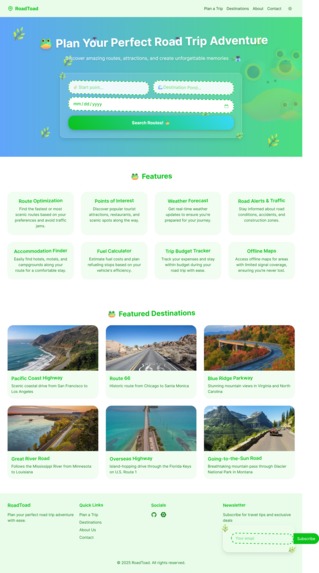
Full Page
-
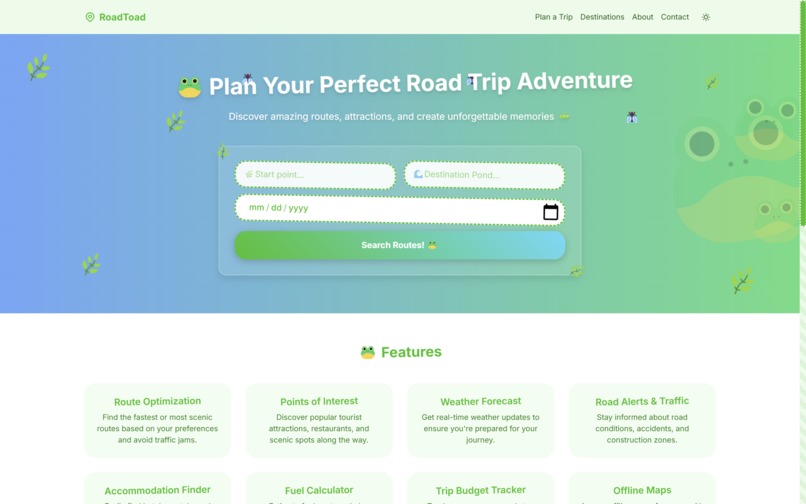
Front Page
-

Hero
-
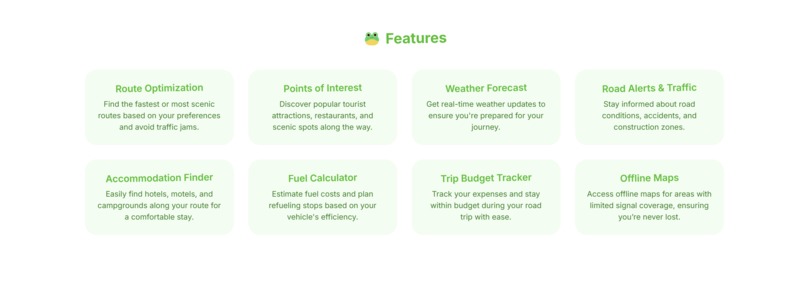
Features
-
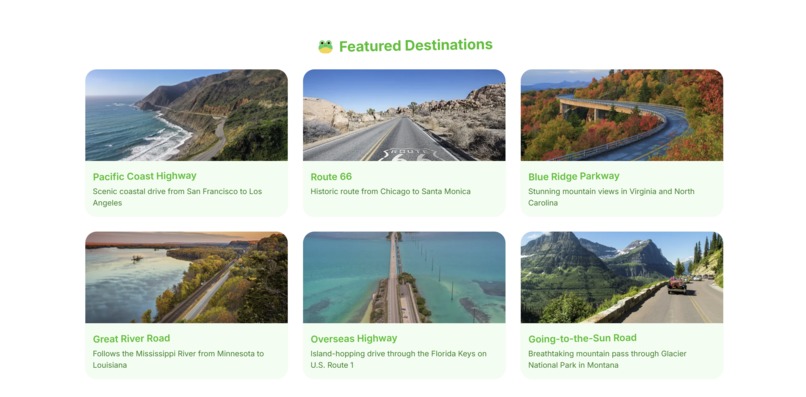
Recommendations
-
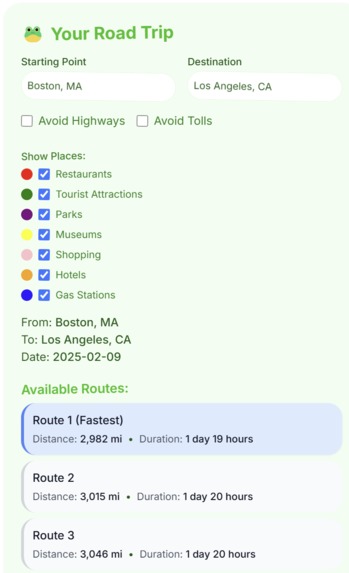
Map Options
-
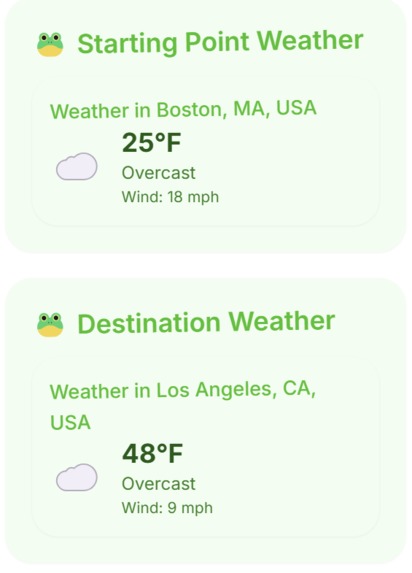
Weather
-
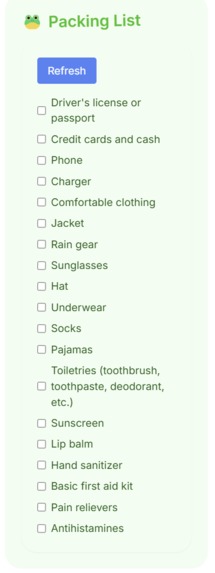
Checklist
-
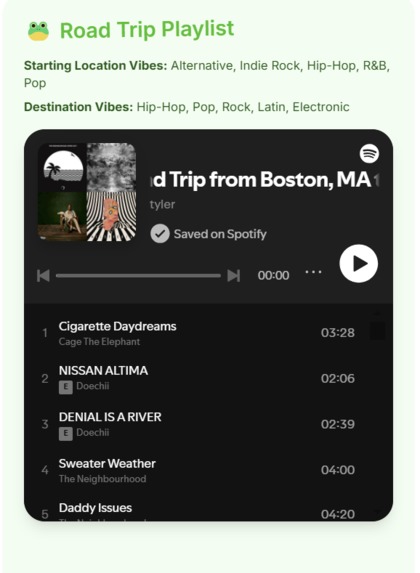
Spotify Playlist
-
Map
-
Bingo


Inspiration
Road trips are all about adventure, but planning one can be overwhelming. We wanted to build a tool that makes it effortless to plan a perfect road trip by handling routing, discovering nearby attractions, creating a Spotify playlist, and even generating a smart packing list. Our goal was to create a seamless travel companion that combines AI-powered recommendations with real-time data to enhance every journey.
What it does
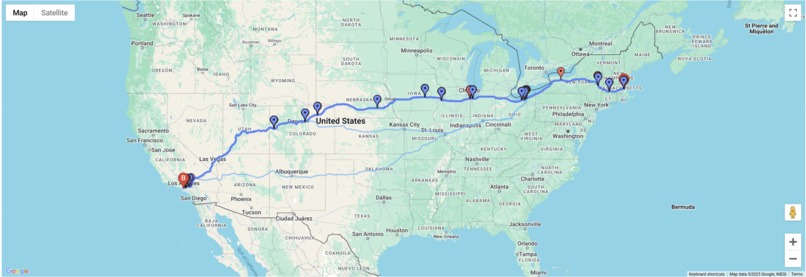
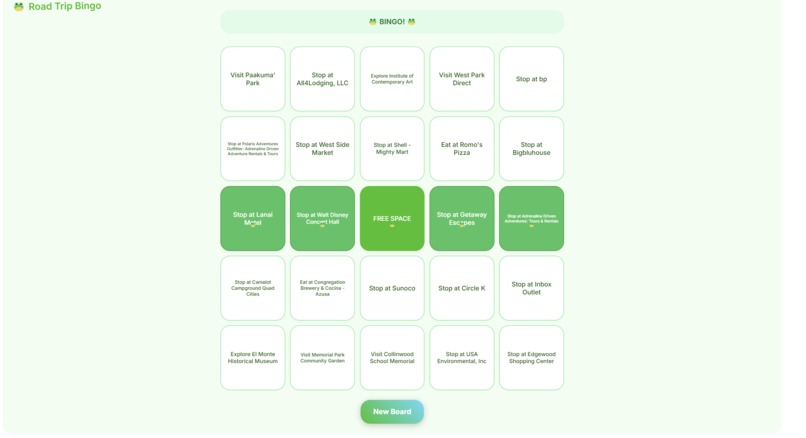
Helps user plan road trip routes and activities. Gives multiple routes from start to end destination and different filters. Pins tourist attractions, restaurants, parks, museums, shopping areas, hotels, and gas stations along the route. Shows the weather of start and end locations, creates a packing list based on location and weather, and generates a custom Spotify playlist based on the most popular genres along the route. Fun interactive Bingo game to play during the road trip.
How we built it
Frontend: Built with React, Next.js, and Tailwind CSS for a responsive UI. Backend: Powered by Node.js, Next.js API routes, and Google Gemini AI for recommendations. Routing & Attractions: Integrated with Google Maps API to fetch route data and points of interest. Packing List Generation: Utilizes Google Gemini AI to generate personalized packing lists based on climate, trip length, and activities. Spotify Playlist Integration: Uses Spotify API to create custom playlists based on regional music preferences.
Challenges we ran into
Ensuring recommended attractions were relevant and up-to-date. Managing multiple external API calls efficiently. Fine-tuning the AI to generate concise, useful lists and descriptions. Securely integrating user authentication for personalized features. Merge conflicts.
Accomplishments that we're proud of
Learning many new technologies. Some team members have never used any of these technologies before today. We challenged ourselves with learning how to implement all of the technologies below and created a working web app. This is one of our team member's first time building a web app.
What we learned
How to effectively use Google Maps API for route optimization. Fine-tuning AI-generated content for conciseness and relevance. Best practices for handling authentication in Next.js with NextAuth. How to efficiently manage multiple API integrations in a full-stack application.
What's next for RoadToad
Offline Mode: Allow users to access saved trip details without internet connectivity. Real-Time Updates: Fetch live weather, traffic, and road conditions. Budget Planning: Estimate trip costs based on fuel, accommodations, and attractions. Social Features: Let users share and collaborate on trips with friends. Mobile App: Expand RoadToad into a native mobile experience for better accessibility on the go.
discord: bruv5348, sandy878, szeto.ai
Built With
- css
- deck.gl
- eslint
- gemini
- google-maps-javascript-api
- google-places
- google/generative-ai
- next.js
- nextauth.js
- nextthemes
- postcss
- radixui
- react
- react-google-maps/api
- spotify
- tailwind
- turbopack
- typescript
- vis.gl/react-google-maps

Log in or sign up for Devpost to join the conversation.