-
-
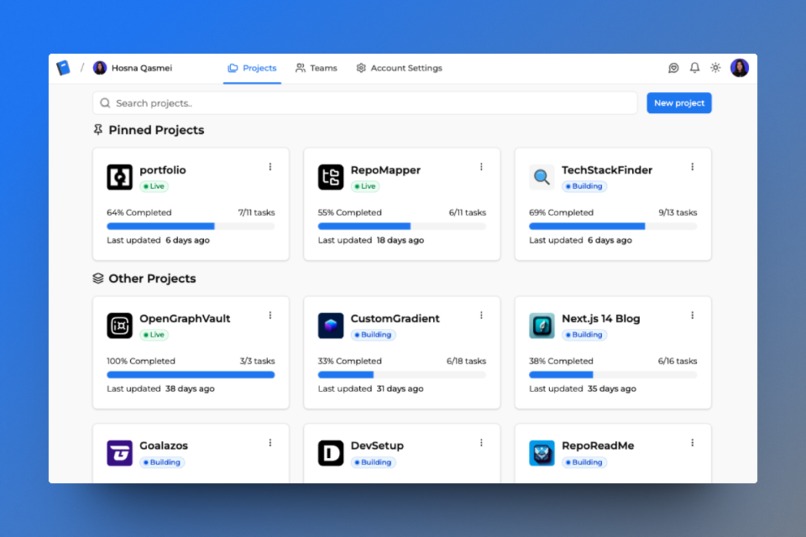
Projects Page
-
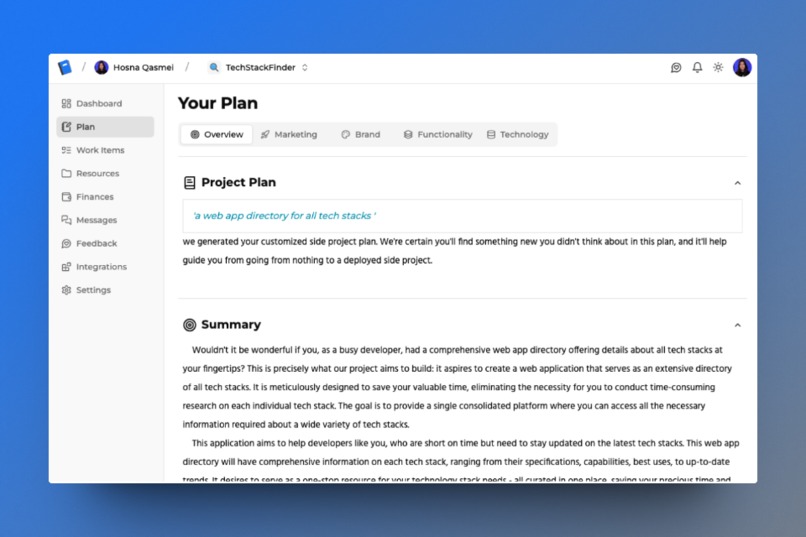
Plan Page
-
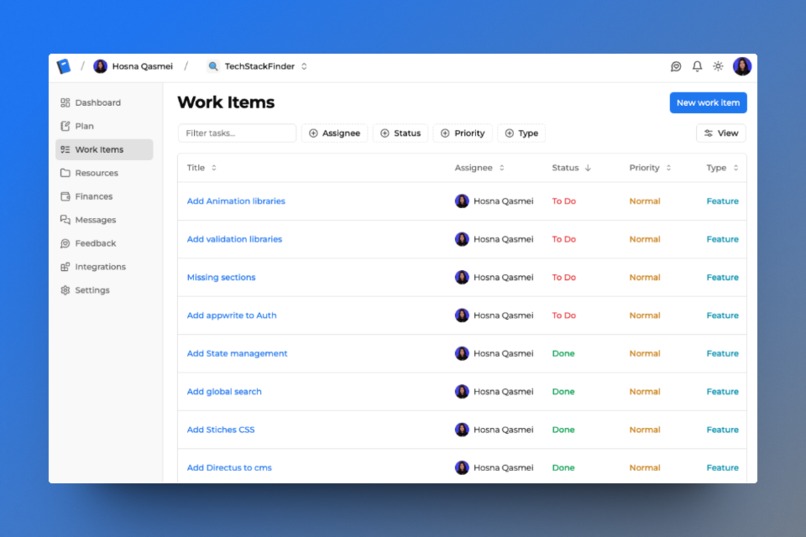
Work Items Page
-
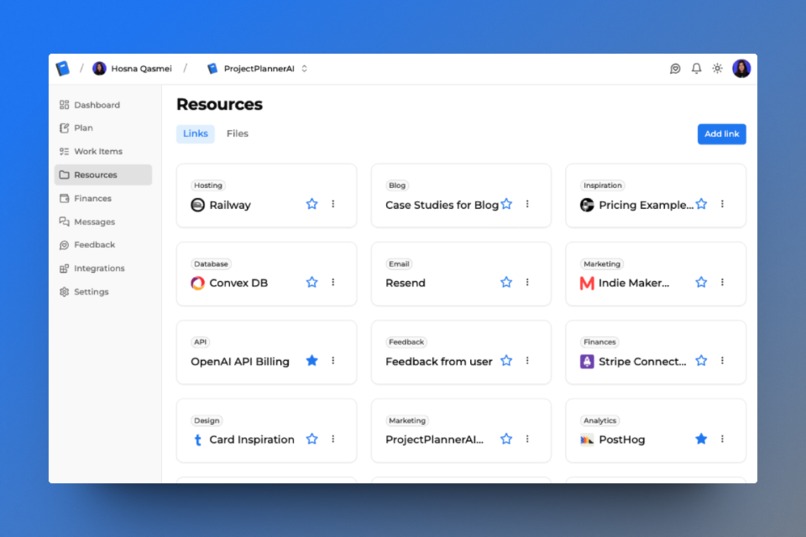
Resources Page
-
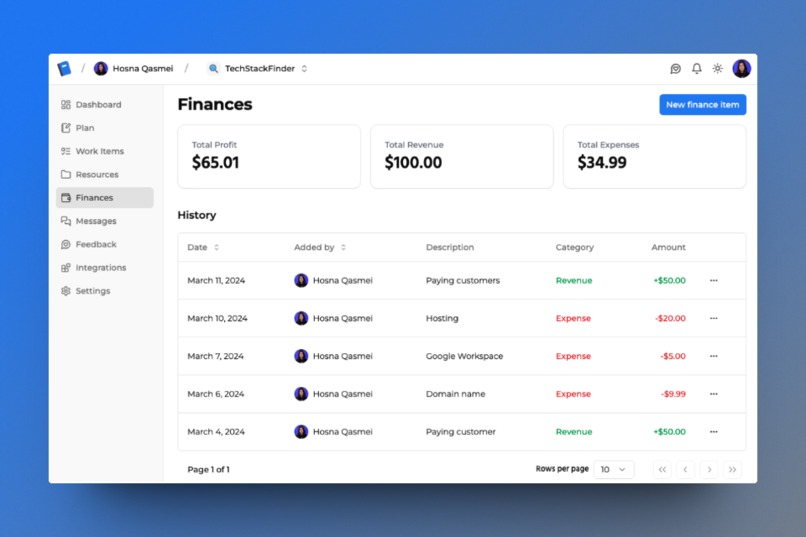
Finances Page
-
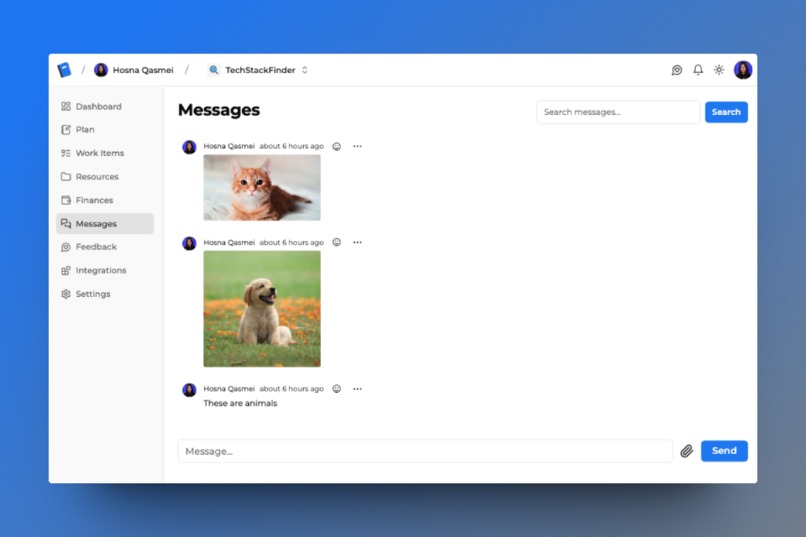
In App Messaging Page
-
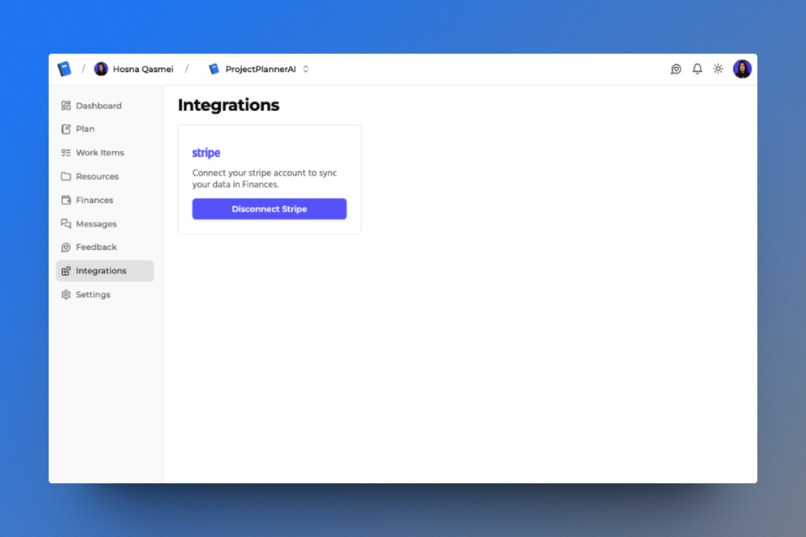
Integrations Page
-
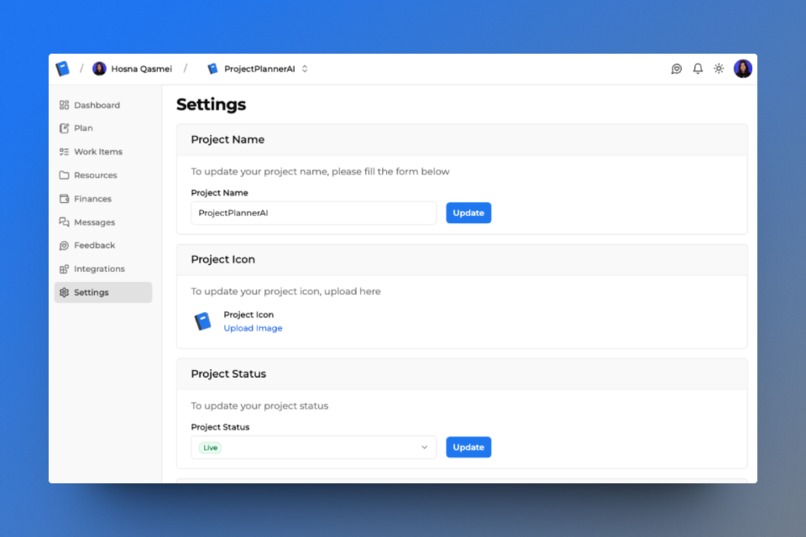
Settings Page
-
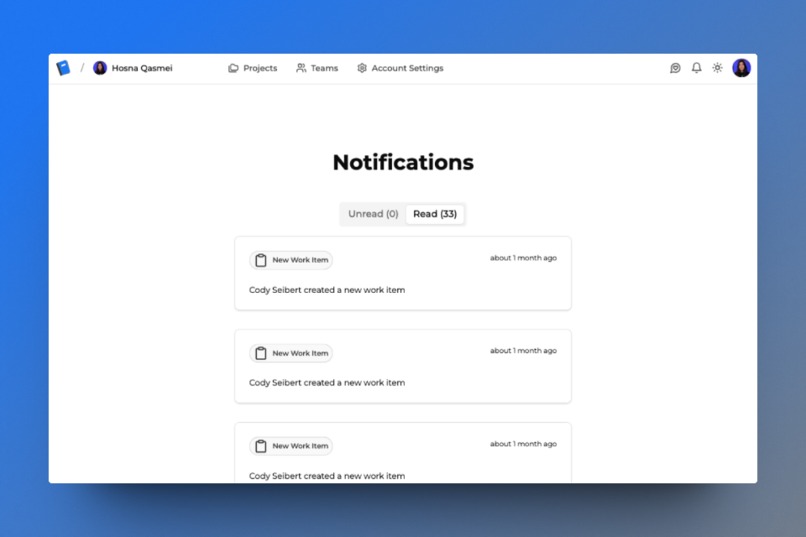
Notifications Page


Inspiration
What inspired us to build ProjectPlannerAI was our need for a tool to help us finish our side projects. There's a common running joke among developers that we like to start projects but rarely finish them. We often buy domain names and set up a basic project, but as soon as we hit a problem, we give up and start something new. We thought about why this happens: not enough time, not enough skills, bad planning, losing interest, and more. There are many project management platforms out there, Asana, Monday, BaseCamp to name a few. Most of them are too expensive, have too many unused features, and lack features that we did want. So we decided to build our own platform that helps developers and indie makers manage and stay on top of their projects.
What it does
ProjectPlannerAI is a platform for developers and solo entrepreneurs to manage their projects all in one place. It lets users track everything from finances and user feedback to team collaboration, keeping all project-related messages and resources together. The dashboard shows all the projects a user has, including their status—whether active, building, stale, or archived—alongside a progress bar that reflects the remaining tasks in their work items section. It's designed to be more specific, simple, and affordable compared to other project management tools, which can be too general and hard to use. For paid users, ProjectPlannerAI offers an AI-generated plan based on their project idea and target audience, including AI-created icons, analysis of similar products, recommended color palettes, features, database models, and more.
How we built it
To build ProjectPlannerAI, we started by planning and deciding what features to include. Initially, our MVP featured only the AI plan generator. Users could log in, purchase credits, and use these credits to generate a project plan by entering their project idea and target user. Although we attracted some users, we soon realized that our product wasn't fully addressing our goal of helping people complete their side projects. The generated plans were static, offering no way for users to update them. This insight led us to pivot towards creating a project management platform, enabling users to actively engage with and update their projects.
For the technical side, we used Clerk for authentication, Next.js as our web framework for building user interfaces, and of course Convex for our backend and database needs. This combination allowed us to develop our platform quickly. To generate the project plans, we integrated the OpenAI API, leveraging it to create plans based on user inputs. We chose Resend to handle email notifications, specifically for inviting collaborators to a project. Lastly, we implemented Stripe for handling payment transactions.
Challenges we ran into
While building ProjectPlannerAI, we faced both non-technical and technical challenges. On the non-technical front, the main hurdle was figuring out how to create a SaaS platform that users would find valuable enough to subscribe to. We spent some time stuck on what to build next. After deciding on our direction, the next big task was determining which features would be most attractive to users and prioritizing their development.
Technically, we encountered several issues. First, we aimed to implement Chrome notifications so users would receive a popup on their computer for new messages, even when not on our website. However, I wasn't receiving notifications, though Cody was. It turned out to be a simple permissions issue on my computer blocking the notifications. Another challenge involved integrating Stripe OAuth to allow users to grant us read access to their Stripe accounts. This way, we could fetch their data and display their Stripe transactions on our platform, enriching their financial overview.
Working with the OpenAI API posed ongoing challenges. At times, the returned JSON format was unexpected, preventing us from parsing the data correctly and displaying it to the user, resulting in empty responses. This issue largely stemmed from how we configured the OpenAI API parameters, indicating a need for further testing.
Initially, we hosted our web application on AWS using SST, which led to prolonged deployment times and overall slowness. To address this, we decided to containerize our application using Docker and moved our hosting to Railway, which offered a more efficient deployment process. These challenges, both technical and non-technical, were significant but essential learning opportunities that helped us improve ProjectPlannerAI.
Accomplishments that we're proud of
We're really proud of what we've accomplished with ProjectPlannerAI, especially leveraging Convex to build innovative features. Our first significant achievement was using the OpenAI API to generate detailed project plans from just two user inputs. Another feature we're excited about is our real-time in-app messaging, which allows users to convert messages directly into work items. This was something we hoped to implement and successfully did.
We also implemented an in-app notifications system. It alerts users whenever a new work item is created or updated by a collaborator, keeping everyone informed and up-to-date. Additionally, we're proud of another AI-powered feature that suggests new work items based on user feedback, enhancing project management and collaboration.
What's particularly rewarding for us is seeing how far we've come with this project compared to our previous attempts at side projects. For the first time, we've built something that not only reached completion but also attracted a significant user base. Over 1,000 people have signed up and are actively using the platform, marking a milestone in our journey as developers and product builders.
What we learned
From building ProjectPlannerAI, we learned the crucial lesson of staying flexible and open to changes, whether in response to user feedback or to switch technologies for better speed and experience. We realized the importance of not becoming too attached to our initial code. For me personally, this project was my first time using Convex, which Cody introduced. I got to understand how actions, mutations, and queries operate within Convex. It was a bit challenging at first, but I found it quite intuitive and straightforward after a few attempts.
Another key takeaway was the value of listening to user feedback. Users often have needs or desires that we hadn't considered, and their input can significantly shape the product for the better. We also learned that marketing is an ongoing necessity. Constantly promoting our platform has been essential in reaching a wider audience and ensuring our project's growth.
What's next for ProjectPlannerAI
We're committed to continuously enhancing ProjectPlannerAI by addressing bugs, refining current features, and incorporating user-requested additions that align with our vision. Our ultimate goal is for every developer to leverage our platform in their journey of building side projects, as we believe that hands-on creation is the best way to learn coding. Making ProjectPlannerAI a staple in the developer's toolkit to streamline the progression of their projects would be incredible.
Next on our agenda is the introduction of an HTTP endpoint, enabling users to integrate user feedback directly from their apps into the ProjectPlannerAI feedback section. We're also focused on expanding our AI capabilities to further assist developers throughout the building process. This includes enhancing the plan generator to offer initial database schema suggestions suitable for various technologies like Convex, Drizzle, Prisma, etc. Additionally, we're planning to integrate analytics features and facilitate GitHub account connections. This will allow for an AI-driven chat feature where users can inquire about their repository or receive recommendations for work items based on their current codebase.

Log in or sign up for Devpost to join the conversation.