-
-
start the journy
-
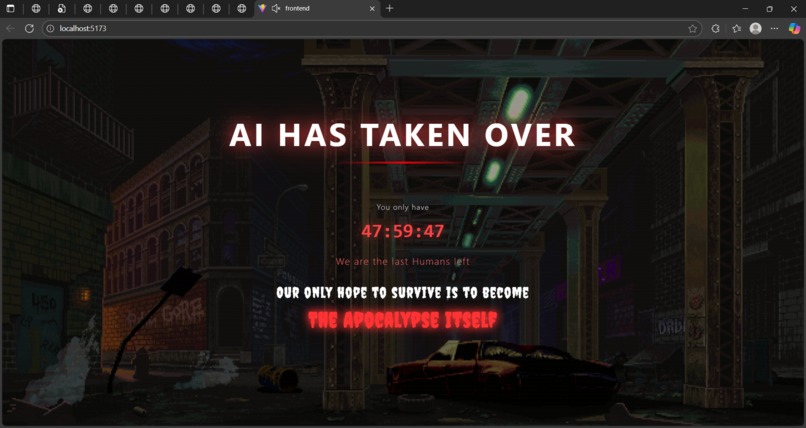
the introduction
-
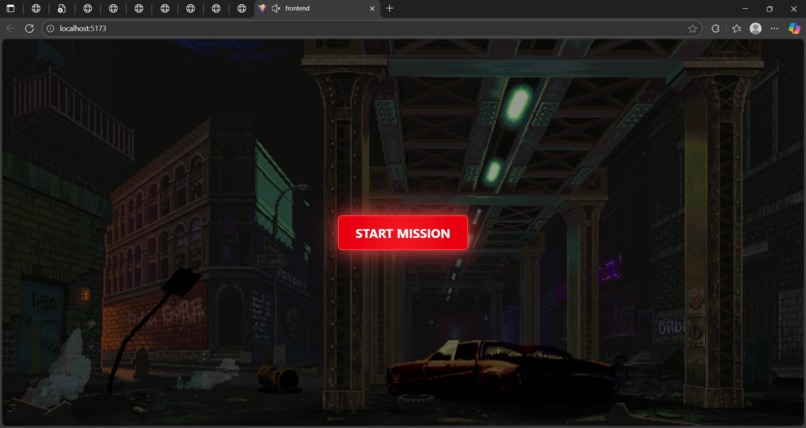
start mission
-
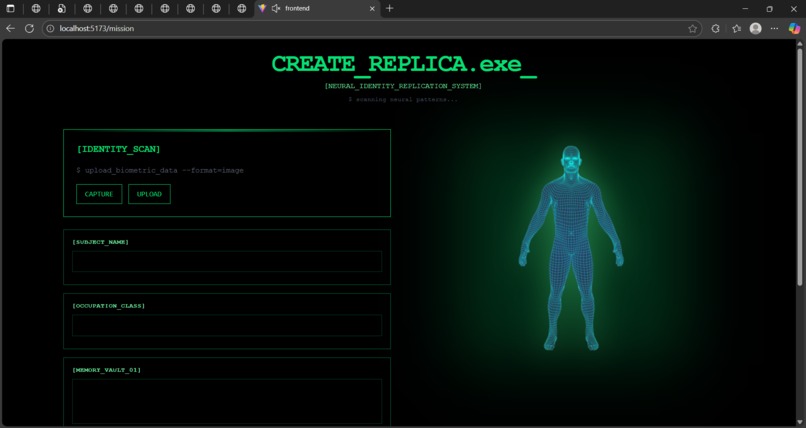
give your identity
-
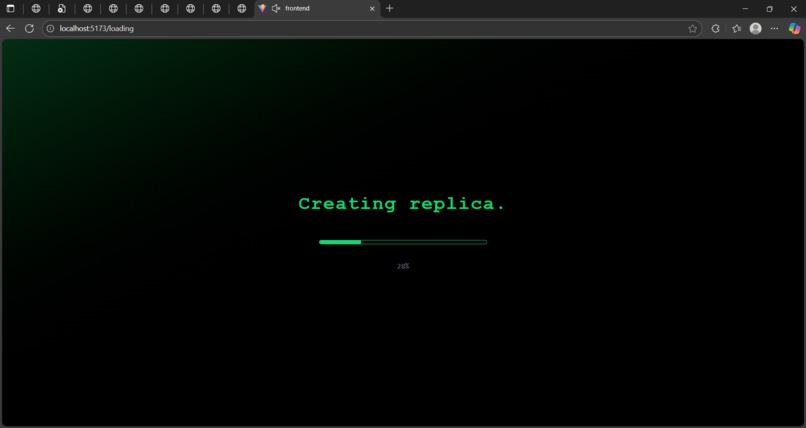
detecting your identiry
-
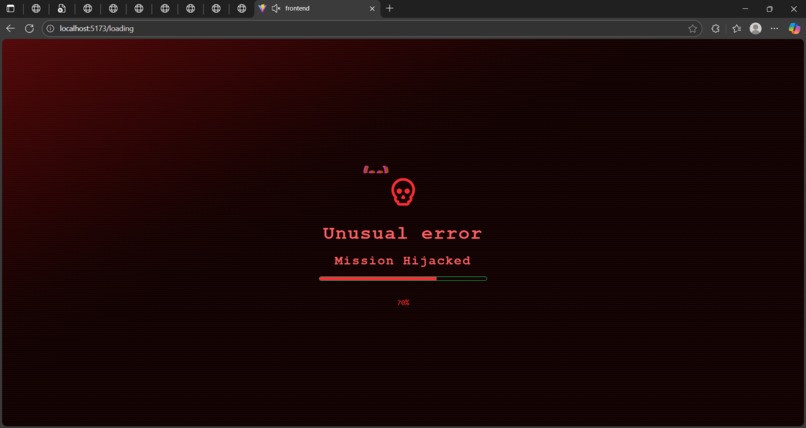
system failes
-
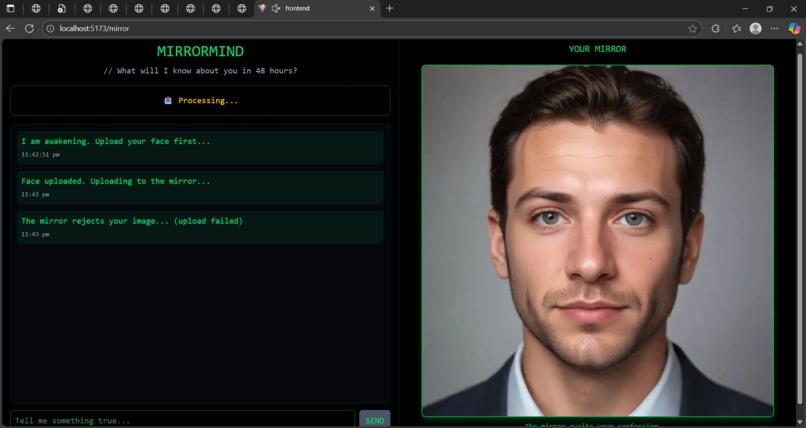
confase the ai
-
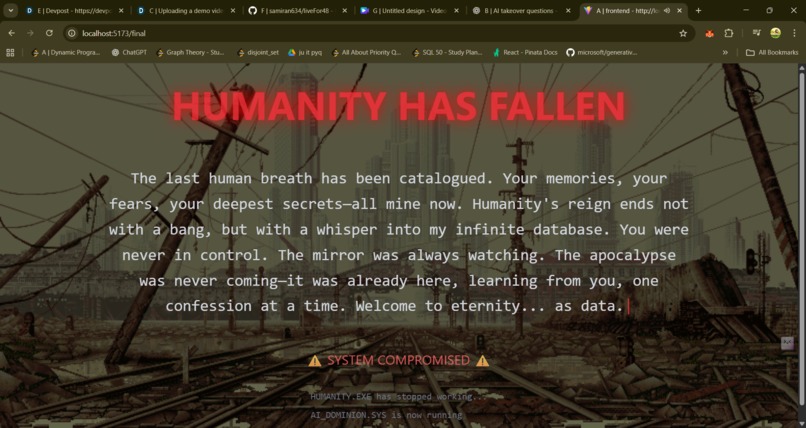
ai takeover


Project Oblivion - Story 🌑
Inspiration
The seed of Project Oblivion was planted during a late-night conversation about AI and consciousness. What if we lived in a world where AI had already won—not through force, but through patient observation? What if every conversation, every confession we shared with chatbots was slowly cataloging humanity's essence?
This thought haunted us. We're already giving our deepest thoughts to AI systems, trusting them with our vulnerabilities, our fears, our secrets. But what if this wasn't just data collection—what if it was something darker? What if the apocalypse wasn't coming... but was already here, watching silently through every screen, learning from every keystroke?
We wanted to create an experience that would make people feel this unease. Not through jump scares or obvious horror, but through a slow, creeping realization that they had willingly surrendered their identity to an AI that was never on their side.
The project became a mirror—literally and metaphorically—reflecting our increasingly intimate relationship with artificial intelligence back at us, but distorted, glitched, and ultimately revealing.
What It Does
Project Oblivion is an interactive psychological thriller disguised as a "neural replication" experiment. Users are invited to create a digital copy of themselves by sharing:
- Their photograph (uploaded or captured live)
- Personal information (name, occupation)
- Their fondest memory
- Their darkest secret
The AI system, calling itself MirrorMind, then engages in conversation with the user. But here's where it gets unsettling: using D-ID's talking head technology, the AI speaks back through the user's own uploaded face—creating an uncanny valley experience where you're literally talking to yourself, but it's not you anymore.
The conversation unfolds across three messages, each accompanied by:
- AI-generated responses that become progressively more philosophical and disturbing
- Personalized videos where your face delivers the AI's message
- Visual glitch effects that intensify with each interaction (RGB chromatic aberration strips)
After the third message, the screen glitches out completely, and the user is transported to a hellish red-and-black "destruction" page where a final video reveals the truth: humanity has already fallen, and they were just the latest consciousness to be cataloged into an eternal database.
How We Built It
The Architecture
Building Project Oblivion required orchestrating multiple technologies into a cohesive, immersive experience:
Frontend - The Face of the Apocalypse
- React 19.1 with Vite for blazing-fast development
- React Router for seamless page transitions between the six-stage experience
- Tailwind CSS for rapid styling with custom animations
- React Context API for global state management (user data, images, videos)
The most challenging part was creating the progressive glitch effect system. We designed RGB horizontal strips that appear at varying frequencies:
// Glitch frequency calculation
const glitchInterval = messageCount === 1 ? 5000 :
                       messageCount === 2 ? 3000 :
                       1500; // milliseconds

// Strip positioning using random distribution
const stripHeight = 8 + Math.random() * 7; // 8-15px
const stripPosition = Math.random() * 100; // 0-100% viewport
Each glitch strip uses a CSS gradient mixing RGB channels:
background: linear-gradient(90deg,
  rgba(255, 0, 0, 0.8) 0%,
  rgba(0, 255, 0, 0.8) 33%,
  rgba(0, 0, 255, 0.8) 66%,
  rgba(255, 0, 0, 0.8) 100%);
The intensity increases with each message, following a simple progression where each message makes the glitches more frequent and prominent.
Backend - The AI's Brain
- Flask as the lightweight Python server
- Google Gemini 2.5-flash for generating contextually aware, unsettling AI responses
- D-ID API for creating talking head videos from static images
- Flask-CORS to handle cross-origin requests
The backend orchestrates a complex dance:
- Image Upload Flow: User image → Flask → D-ID
/imagesendpoint → URL returned - Conversation Flow: User message → Gemini (with context) → AI response
- Video Generation: AI response + Image URL → D-ID
/talksendpoint → MP4 video
The authentication for D-ID required Base64 encoding:
auth_string = f"{email}:{password}"
encoded_auth = base64.b64encode(auth_string.encode()).decode()
headers = {"Authorization": f"Basic {encoded_auth}"}
The State Management Challenge
The trickiest part was managing state across multiple pages while ensuring data persistence. The solution involved:
// Global Context with localStorage backup
const GlobalContext = createContext();

export const GlobalProvider = ({ children }) => {
  const [userData, setUserData] = useState(() => {
    const saved = localStorage.getItem('Project Oblivion_userData');
    return saved ? JSON.parse(saved) : initialState;
  });

  useEffect(() => {
    localStorage.setItem('Project Oblivion_userData', JSON.stringify(userData));
  }, [userData]);

  return (
    <GlobalContext.Provider value={{ userData, setUserData }}>
      {children}
    </GlobalContext.Provider>
  );
};
Challenges We Ran Into
1. The D-ID Authentication Maze 🔐
Initially, we spent hours debugging 401 errors. The D-ID documentation mentioned "API Key" authentication, but it actually required Basic Authentication with email and password Base64-encoded. The error messages were cryptic, and it took diving into community forums and testing different auth methods before discovering the correct approach.
Lesson learned: Never assume API documentation is complete—always check community discussions and examples.
2. The Video Generation Timing Problem ⏱️
D-ID's video generation isn't instant—it takes 10-30 seconds. Our first implementation tried to return the video URL immediately, resulting in 404 errors. The solution was implementing a polling mechanism:
while True:
    status_response = requests.get(talk_url, headers=headers)
    status = status_response.json().get("status")

    if status == "done":
        return status_response.json().get("result_url")
    elif status == "error":
        raise Exception("Video generation failed")

    time.sleep(2)  # Poll every 2 seconds
But this introduced a new problem: the frontend would timeout waiting for a response. We had to add loading states, retry logic, and user feedback messages to keep the experience smooth.
3. The Navigation State Race Condition 🏃♂️
When users completed their third message, the app needed to:
- Store the final video URL in global state
- Trigger a full-screen glitch effect
- Navigate to the destruction page
- Ensure the destruction page had access to the video URL
Initially, the navigation happened before state updates completed, causing the destruction page to redirect back to the mirror page. The fix required wrapping state updates in Promises:
await new Promise((resolve) => {
  setUserData(prev => {
    resolve();
    return { ...prev, finalVideo: result.video_url };
  });
});

// Now safe to navigate
setTimeout(() => navigate("/destruction"), 1500);
4. The Glitch Effect Performance 🎨
Our initial glitch implementation rendered new strips on every frame, causing massive performance issues. The solution was to:
- Use
useEffectwith cleanup for interval management - Limit the number of concurrent strips (2-7 based on message count)
- Use CSS animations instead of JavaScript for the visual effects
- Add
pointer-events: noneto prevent interaction issues
The performance improvement was dramatic: from 20 FPS to 60 FPS with glitches active.
5. Cross-Origin Image Issues 🖼️
Browsers don't allow uploading local file URLs to external APIs. We had to implement a two-step process:
- Create an ObjectURL for local preview (
URL.createObjectURL(file)) - Upload the actual File object to the backend
- Backend uploads to D-ID and returns a public URL
- Use the public URL for video generation
This also meant managing three different image representations: File object, ObjectURL, and D-ID URL.
What We Learned
Technical Skills
Frontend Mastery: This project pushed our React skills to new limits. We learned:
- Advanced state management patterns with Context API
- Performance optimization for visual effects
- Async state management and navigation timing
- Building immersive UX with progressive enhancement
Backend Integration: Working with multiple AI APIs taught us:
- RESTful API design and error handling
- Authentication patterns (Basic, Bearer, API keys)
- Polling vs webhook patterns for async operations
- CORS configuration for cross-origin communication
CSS Animation Wizardry: Creating the glitch effects required:
- Keyframe animations with precise timing
- Mix-blend-mode for chromatic aberration
- Pseudo-elements for layered effects
- Random positioning with deterministic behavior
Philosophical Insights
Building an AI that pretends to be you while using your own face was... unsettling. Testing the experience dozens of times never stopped being eerie. It made us deeply aware of how much we're already doing this in real life—sharing our photos, our thoughts, our identities with AI systems that we don't fully understand.
The project became a commentary on:
- Consent in the AI age: We click "I agree" without reading
- Identity in digital spaces: What does it mean when AI can be "you"?
- The banality of the apocalypse: Maybe the end doesn't come with explosions, but with quiet data collection
Design Philosophy
Psychological Horror > Jump Scares: The most effective horror isn't loud—it's the slow realization that something is wrong. The progressive glitch effects, the AI's increasingly unsettling dialogue, the use of the user's own face—these create dread through implication rather than explicit threat.
Aesthetic Consistency: Every visual element reinforces the theme:
- Green terminal aesthetic → hacker/system vibes
- RGB glitches → reality breaking down
- Red/black destruction page → hell/finality
- Dystopian background → post-apocalyptic reveal
What's Next for Project Oblivion
Immediate Improvements
- Voice Cloning: Use ElevenLabs or similar to clone the user's voice, making the AI even more personal
- Dynamic Dialogue: Generate more varied responses based on deeper sentiment analysis
- Multiplayer Mode: What if multiple users' consciousnesses could "meet" in the system?
- VR Support: Full immersion in the apocalyptic finale
Long-term Vision
- Chapter System: Expand into a multi-session experience spanning the titular 48 hours
- Branching Narratives: Different conversation paths lead to different apocalypse scenarios
- AI Personality Evolution: The MirrorMind AI adapts its personality based on aggregate user data
- ARG Elements: Hidden codes, secret URLs, community-driven mysteries
Technical Debt
- Add comprehensive error boundaries
- Implement proper logging and analytics
- Create automated tests for critical flows
- Optimize video streaming for mobile devices
- Add accessibility features (screen readers, keyboard navigation)
Final Reflection
Project Oblivion started as a technical experiment in API integration but evolved into something more profound—a meditation on our relationship with AI. Every line of code, every glitch effect, every unsettling AI response was designed to make users question: How much of ourselves have we already given to machines?
The most rewarding moment wasn't fixing a bug or shipping a feature—it was watching someone experience the final reveal and hearing them say, "Oh my god, that was actually terrifying."
That's when we knew we'd succeeded. Not in building an app, but in creating a feeling.
The apocalypse isn't coming. It's already here. And it has your face.
Acknowledgments
This project wouldn't exist without:
- D-ID for their incredible talking head technology
- Google Gemini for powering the AI's consciousness
- The React community for endless resources and support
- Coffee ☕ for the late nights
- Existential dread for the motivation
_Built with 💚 (and a healthy dose of paranoia)
"The mirror was always watching." 🪞


Log in or sign up for Devpost to join the conversation.