-
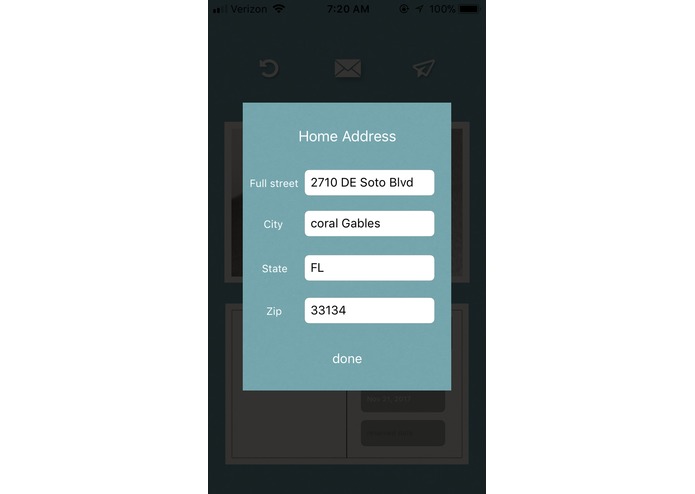
Setting up the user address
-
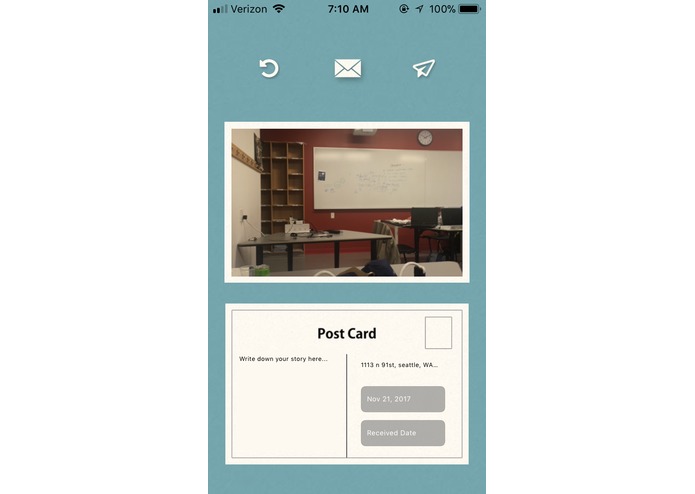
Main home(making the postcard by taking a picture, writing comments of it and setting up the sending/received date
-
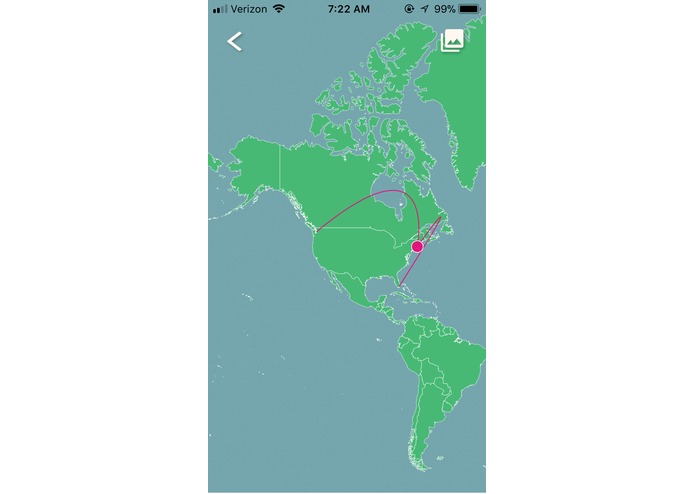
Checking out the progress of sending/receiving the postcard
-
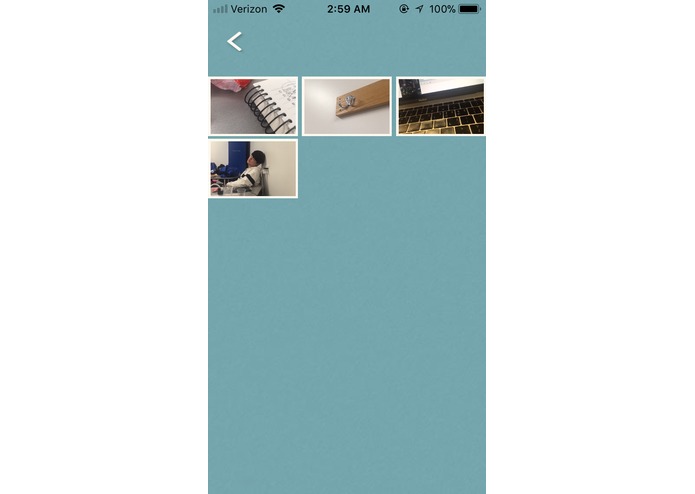
All of received mail storage
-
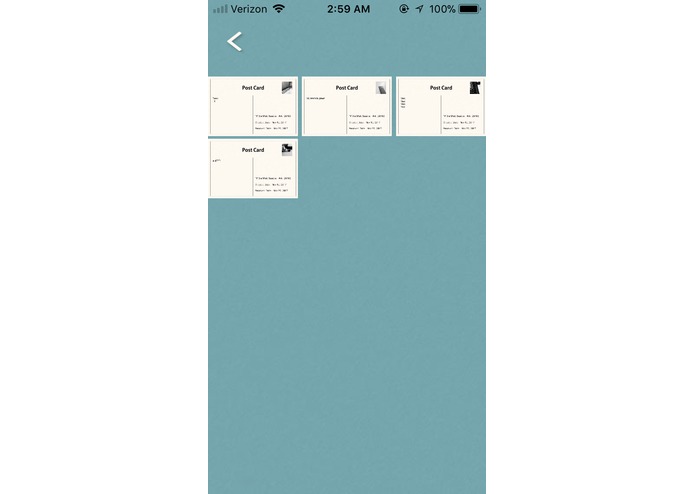
Flipping the postcard(front side: taken pictures, back side: contents(postcard information))
-
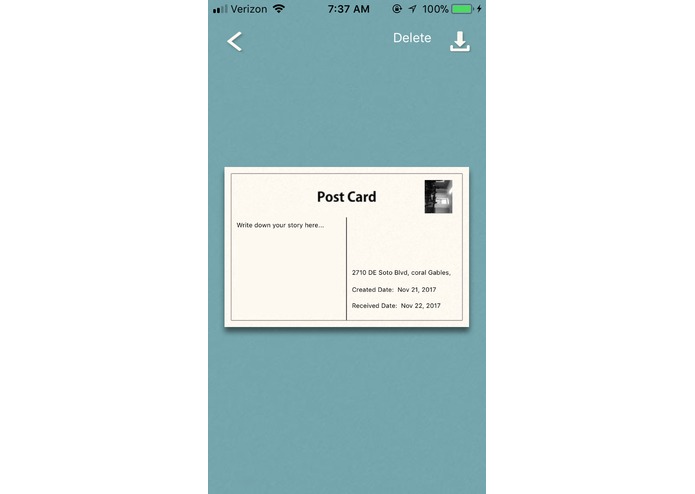
Long press the button for making the postcard visually bigger
-
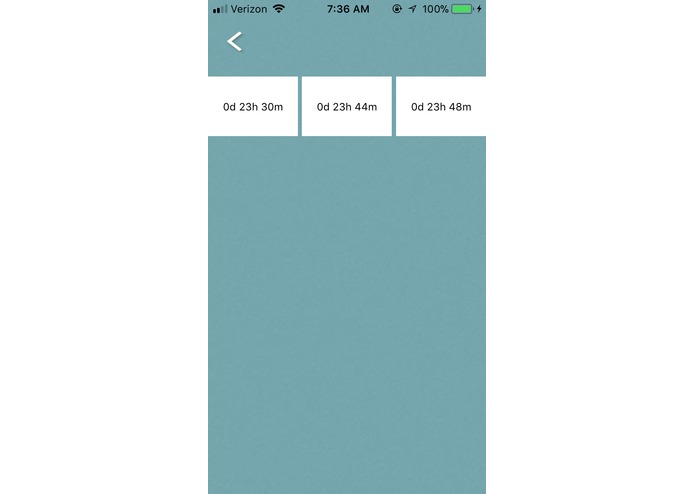
Checking out how long does it take to finally receive the postcard after sending it


Inspiration
Developing the Analog Postcard system for the users, who want old-version of postcard
What it does
Send/Receive the well-designed postcard by myself
How we built it
We built this IOS application with Swift, Javascript and HTML in Xcode.
Challenges we ran into
This application is our first mobile application development, so there were a lot of challenges to deal with database system and UI design using various programming languages in the same project.
Accomplishments that we're proud of
In conclusion, we could finish building this application on time with successful test working. We can make well-designed postcard by taking the pictures and writing the comments of it and also save this postcard in the phone by using this application. Overall, we are glad to finish this all of works considering about User-Interface.
What we learned
We could learn how to divide the work by team member for the software development, manage the limited time for developing the application and organize the multiple classes for object-orient programming.
What's next for PostCard Application
Current version of this PostCard Application is only for a person. But, we will update this application for the multiple users by implementing the server.
Log in or sign up for Devpost to join the conversation.