-
-
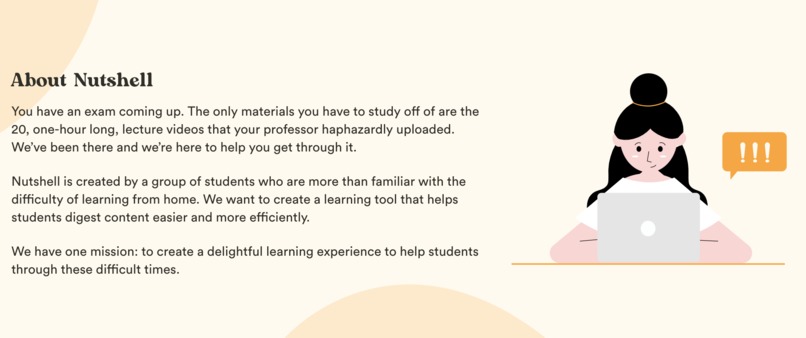
About Nutshell
-
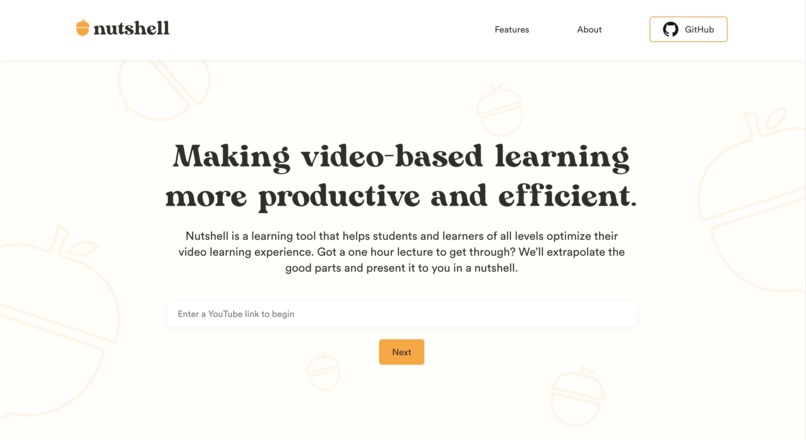
Enter the YouTube link to get started
-
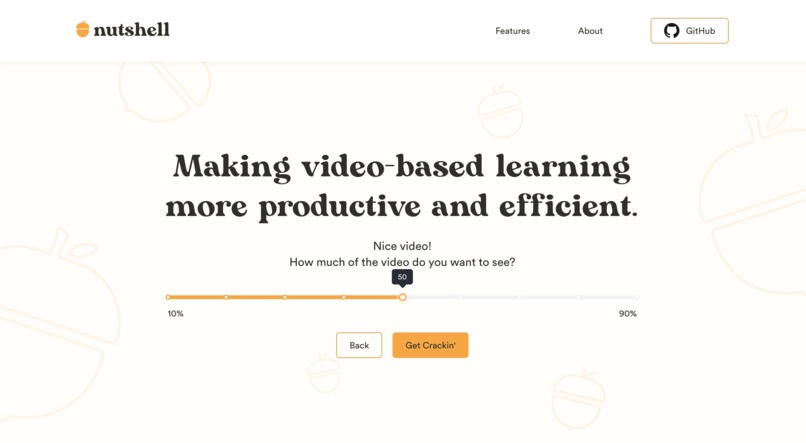
Decide how much of the video you want to see
-
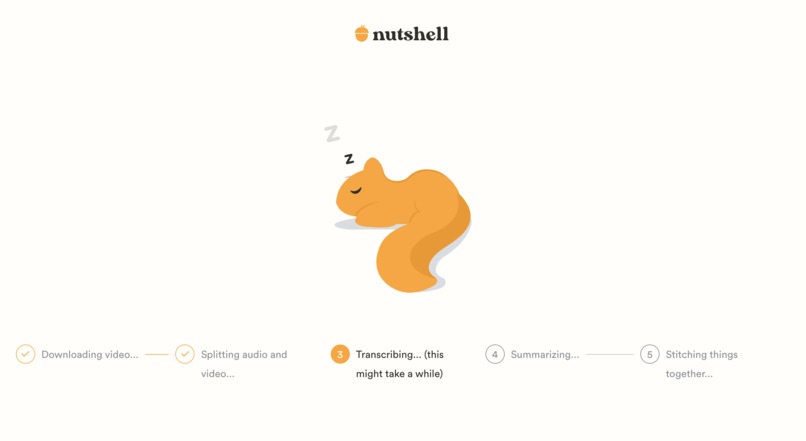
Receive live updates on the video conversion process
-
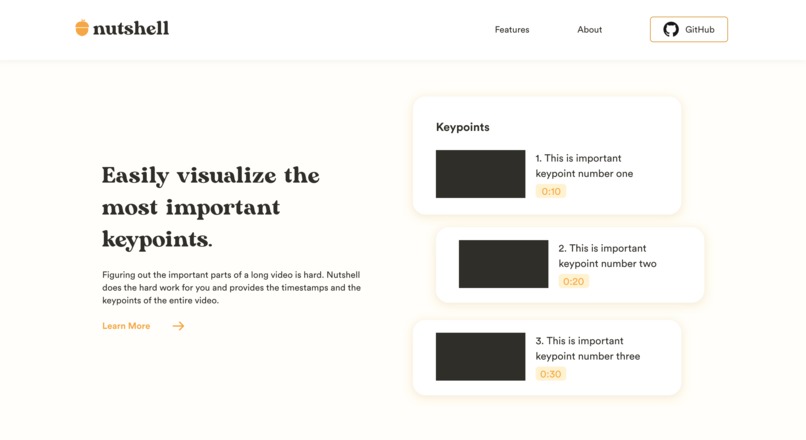
Watch the heavily shortened video or just jump to the key points
-
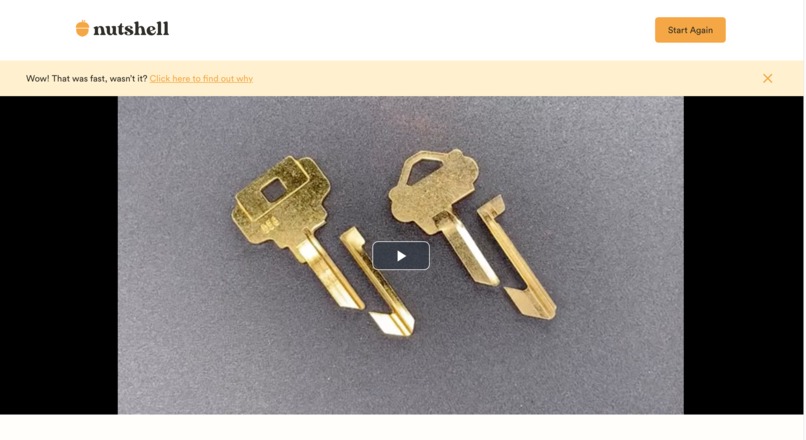
Watch your shortened video straight from our app!
-
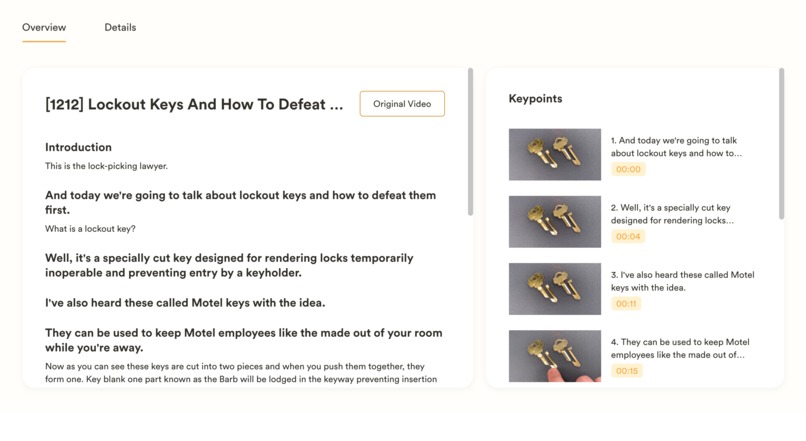
Digest info about your shortened video
-
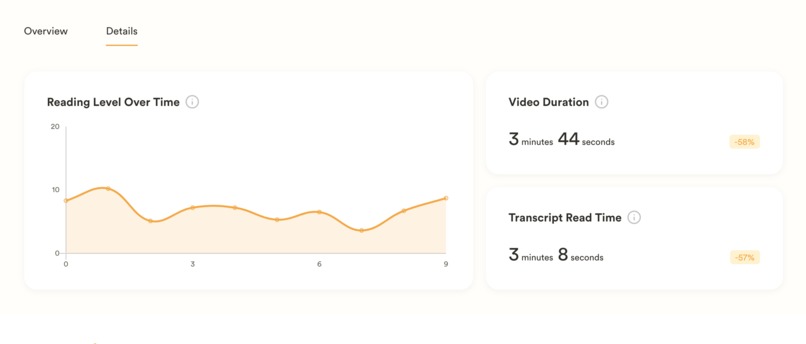
View the reading level at various points in the video to decide whether you want to focus on more difficult parts or simpler parts


Inspiration
Imagine this: you're 5 lecture recordings behind in your virtual class and your midterm is in a couple of hours. You convinced yourself that watching 5 hours of lecture in 2 hours would definitely be possible, but you realize that even the 2x speed can't save you now. There's still too much extra information in each video and you just want to hear the key points.
Our team is all too familiar with this. Sitting down to watch hours of videos can be a daunting time commitment. We wanted to create a learning tool that helps students digest content easier and more efficiently.
What it does
With Nutshell, long videos can be trimmed down to the key points! You will no longer have to wildly click through a video and try to find the important parts. The key point clips from the original video are spliced together and presented in a summary video.
After entering the YouTube link of the original video, you are prompted for how much of the video you want to see. You can choose anywhere from 10% to 90%. Only have a few minutes? Choose 10% and see the quick and easy summary video. Have some extra time but still want to cut out unnecessary filler? Choose 90% for a concise version of the video.
We extract the good parts and present them to you in a nutshell, an easy to watch short video detailing the main ideas from the original video.
How we built it

Design
- Figma
Frontend
- React
Backend
- IBM Z (for training)
- Python
- Flask
- Socket.io
- PostgreSQL
- GCP:
- Google Speech-To-Text API
- Google Compute Engine
- Google Cloud SQL
- Google Cloud Storage

We used IBM Z to train a regression model to predict the amount of time a video would take to process, given the duration of the input video. Each video would take 2 - 6 minutes, based on the length of the video. Since most of the time being taken up by the call to the Google Speech-To-Text API, this was out of our control. However, we do have control over improving user experience. Predicting this allows us to show the user an estimated time to completion, which results in a better user experience.
Behind the scenes, we actually perform a complicated series of steps to produce the final output.
- Nutshell downloads the video from YouTube.
- Nutshell demuxes the video, splitting apart the video and audio tracks, and transcode it to FLAC.
- Nutshell uploads the audio to a Google Cloud Bucket, allowing us to pass it to Google Speech-To-Text, converting it into sentences with timestamps.
- Runs an extractive summarization model on it (finds the key sentences in the text, number of sentence depends on the % from earlier).
- The sentences are converted back to video snippets using the original video and the timestamps we retrieved earlier.
- The snippets are concatenated together using MoviePy and FFMPEG to create a video.
- Takes snapshots of this video to use as thumbnails for the user guide.
- Finally, we also collect a plethora of stats about the video, with information like average reading level for each minute, overall estimated read time, and the time savings the user got from using Nutshell.
Challenges we ran into
We are very sleep deprived and its hard to type when you are sleep deprived
We wanted to use IBM Z to run the extractive summarization model but the software kit we had access to did not support it. This ended up leading us to think up a new way to use it which is also an additional extra feature, so there was a plus side!
Accomplishments that we're proud of
We were all excited to try a project with video splicing and stitching since it it not only adds a layer of complexity, but also benefits the user, allowing them to still have a video to watch instead of just sentences to read.
Given such a short amount of time, we didn't think we would be able to fully complete the project. However, we not only got to finish the project and make it functional, but we also got to add additional features.
Some features outside of the base functionality:
- Video Guide which lists where in the original video we pulled clips, in case you want to hear a bit more about it.
- Additional statistics to show the reading level of the parts of the video, telling the user what parts of the video would be harder to understand. This allows them the choice of focusing in on either the more difficult parts to further their depth of understanding or staying in the easier parts to review what they know.
- Previously Shortened Videos are cached. If a video had already been shortened, instead of waiting in the Loading screen as they normally would, they are able to jump straight to the final Video screen.
What we learned
For the backend, we got the chance to learn how to use pytube and Moviepy to download the video and split the audio and visual track of the video.
What's next for Nutshell
We want to be able to constantly be improving the video trimming accuracy, so in the future, we plan to include a feature that allows users to adjust the clips it includes in the summary video. We will take their adjusted video and use it to train Nutshell more accurately pick out the details people want to see.
We also want to expand to be able to handle non-YouTube videos.
Built With
- ffmpeg
- figma
- flask
- google-cloud
- google-cloud-compute-engine
- google-cloud-memorystore
- google-cloud-speech-to-text
- google-cloud-sql
- google-cloud-store
- ibmz
- moviepy
- node.js
- postgresql
- python
- react
- socket.io


Log in or sign up for Devpost to join the conversation.