-
-
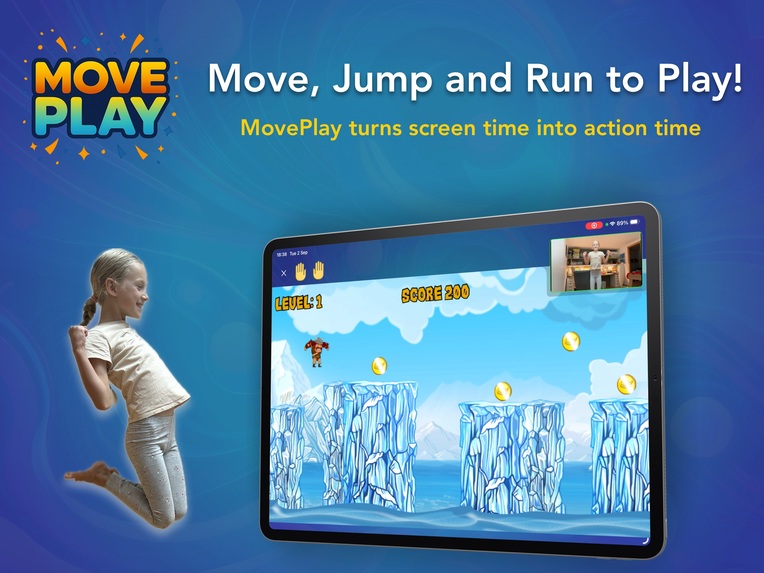
Move, Jump and Run to Play! MovePlay turns screen time into action time!
-
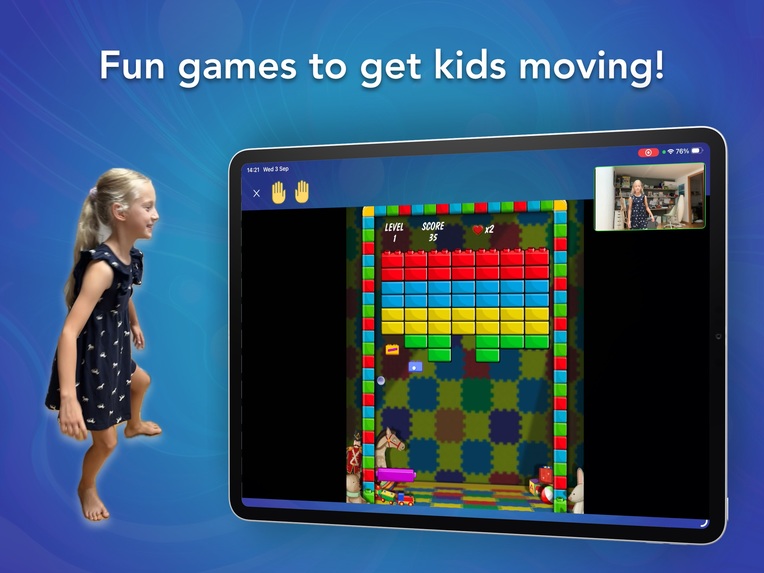
Fun games to get kids moving!
-
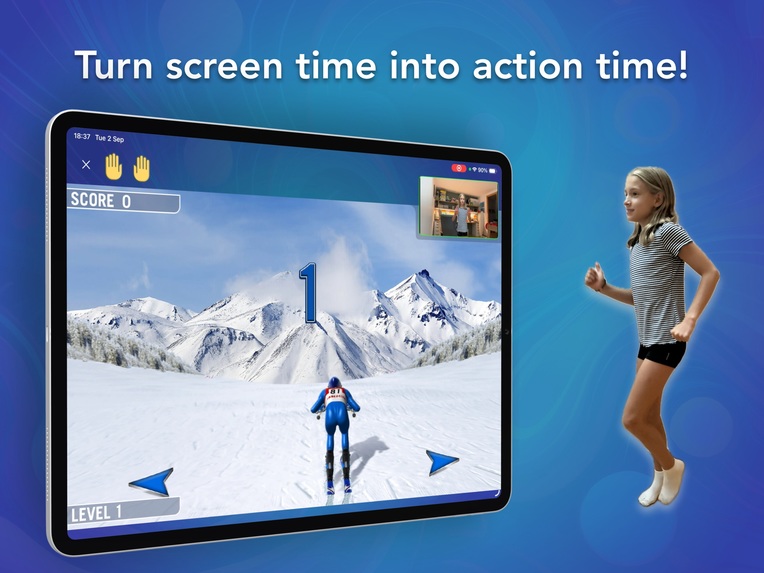
Turn screen time into action time!
-
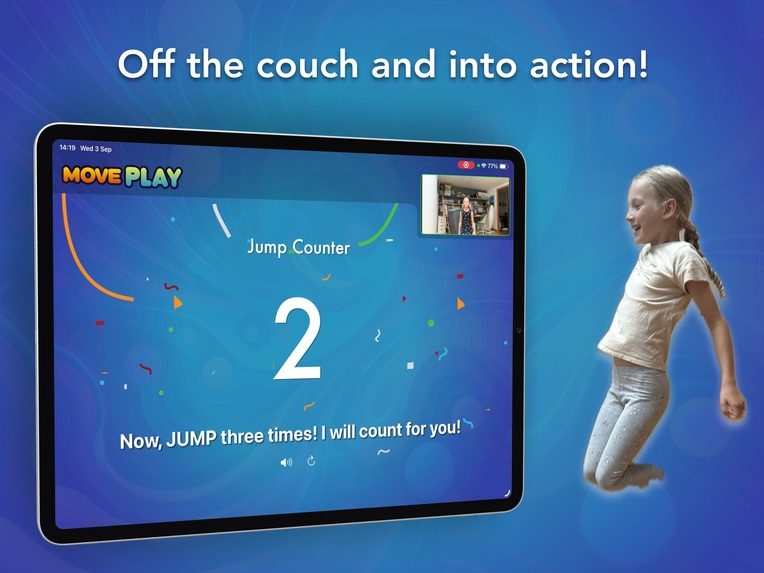
Off the couch and into action!
-
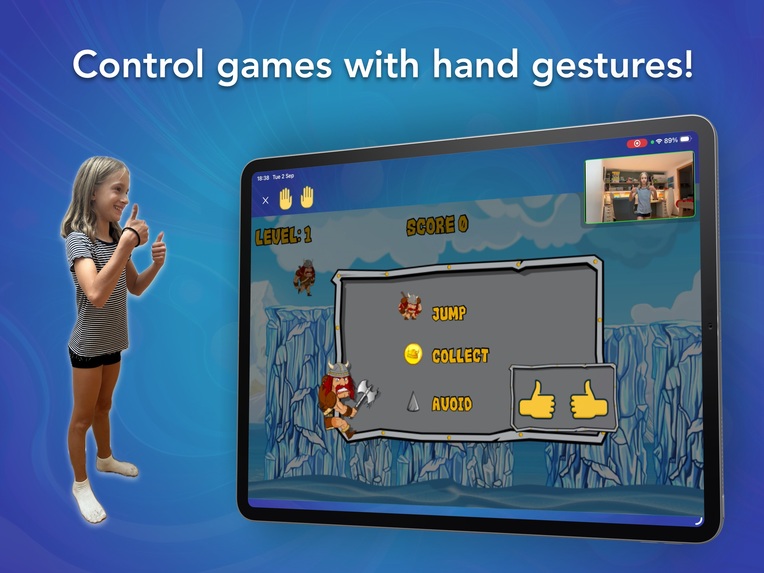
Control games with hand gestures!


Inspiration
MovePlay was inspired by my two daughters. They love playing games, but I didn’t want them spending all their free time sitting on the couch with a device. Kids are meant to be active—running, jumping, and moving. I wanted to create something that combined their love of games with the natural energy and activity of childhood. That’s how the idea for MovePlay was born: an app where kids can control games using their bodies instead of buttons.
What it does
MovePlay turns screen time into active play. The app uses the camera to detect motion—kids can jump, run in place, or move their arms to control fun, simple games. Instead of tapping, swiping, or holding a controller, kids get to play by moving their whole body, making screen time healthy, engaging, and fun.
How we built it
I built MovePlay using Apple’s Vision framework for real-time pose detection. By tracking body joints and gestures, the app translates physical actions into game inputs. We designed and re-used lightweight, easy-to-learn games that kids can start playing immediately without complicated instructions.
On the technical side, I implemented motion classifiers to detect specific movements like jumping and running in place. For example, to detect a jump, the app measures the change in vertical position over time. I also trained a custom machine learning model to detect hand gestures This combination of math and motion detection makes the gameplay both responsive and reliable.
Challenges we ran into
The biggest challenge was achieving reliable motion detection across different kids, lighting conditions, and camera angles. Fine-tuning the thresholds and the model for detecting jumps, running and movement took a lot of iteration. Another challenge was making sure the app ran smoothly on everyday devices without draining the battery, since real-time video analysis can be intensive.
Accomplishments that we're proud of
We’re proud that MovePlay makes kids excited to move. Seeing my daughters laugh and jump while controlling a game with their bodies has been incredibly rewarding. Technically, I’m proud of creating a system that can accurately detect gestures and movements in real time while still being accessible to families everywhere.
What we learned
This project is teaching me a lot about computer vision, motion tracking, and game design for kids. I learned how to balance accuracy with performance, how to design movement-based challenges that are fun but hopefully not frustrating, and how important it is to test with real kids to understand what feels natural to them.
What's next for MovePlay
Next, I want to expand MovePlay with more games, levels, and challenges that encourage a variety of movements—like balancing and dancing. I also plan to add multiplayer features so kids can play together, create a parent dashboard and explore integrations with schools or fitness programs to help promote healthy activity.
Ultimately, the goal is to make MovePlay a fun, safe, and healthy way for kids to enjoy screen time while staying active.
Built With
- ai
- avfoundation
- creatml
- ios
- mac
- swift
- vision

Log in or sign up for Devpost to join the conversation.