-
-
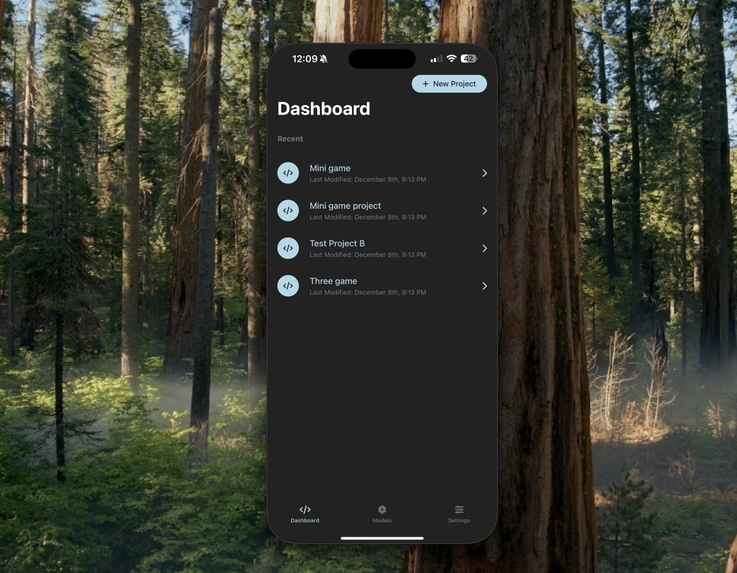
Dashboard: Quickly create a new application.
-
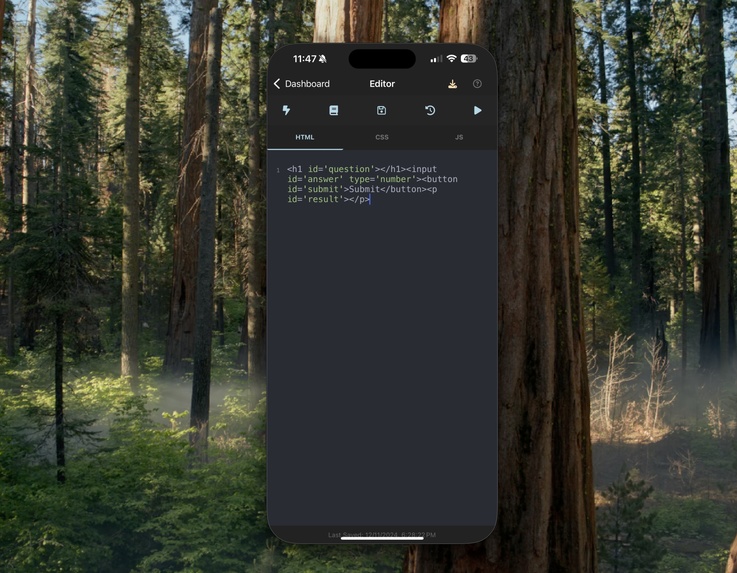
Editor: Quickly write code using HTML, CSS, or JavaScript.
-
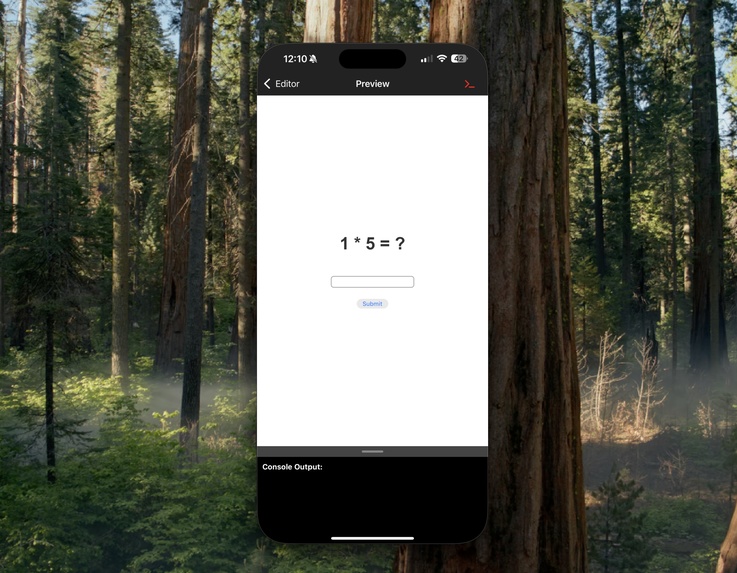
Preview: View your application and access the console to debug your project.
-
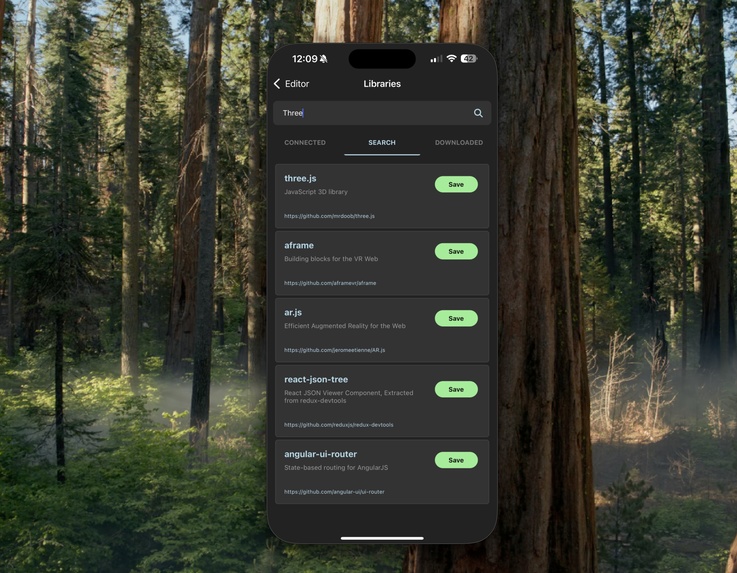
Libraries: JavaScript Library Search & Add. Able to save libraries as downloads to access even if offline.
-
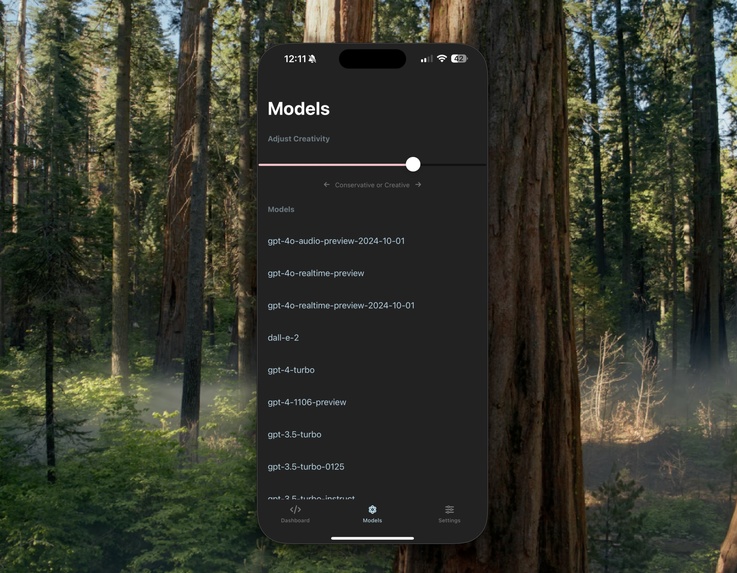
Model Selector: Choose an Ai Model & Creativity slider to determine how creative you want the Ai to get!
-
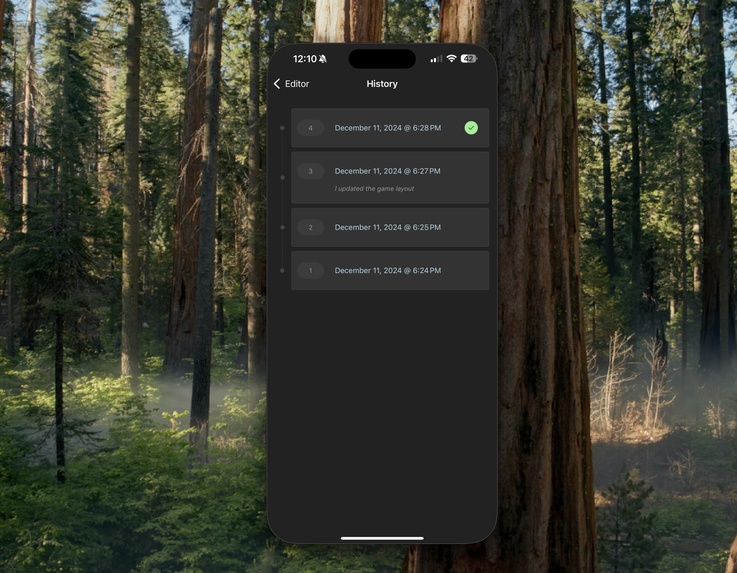
Version History: Jump between different versions of your application.
-
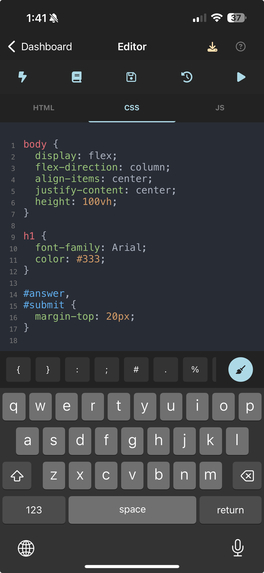
Editor: Enhanced keyboard to quickly add language specific characters or pretty the code.
-
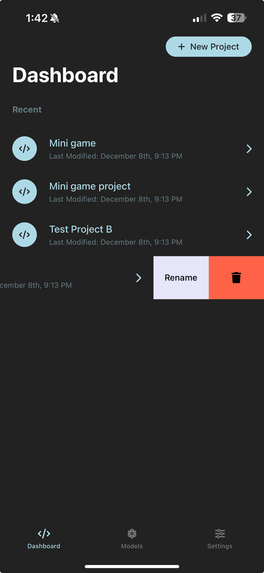
Dashboard: Rename or Delete a Project
-
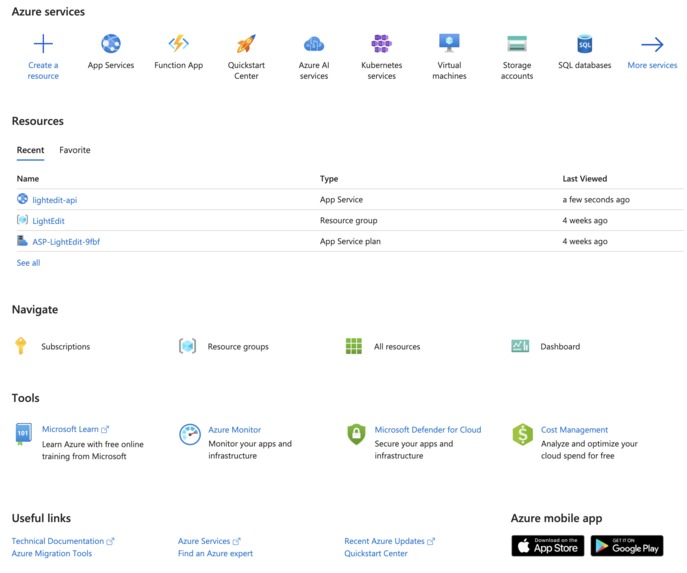
Azure Integration! With the help of Copilot we were able to quickly get our application uploaded to Azure.
-
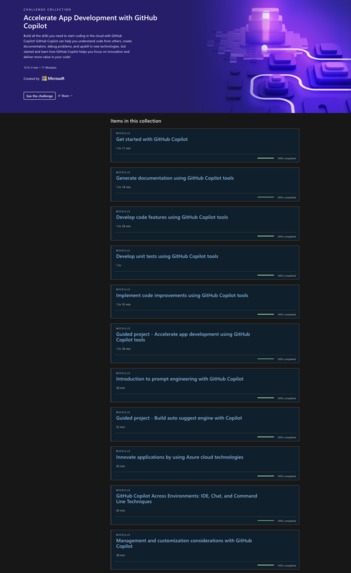
Course Completion


Inspiration
Our inspiration came from the need to bring ideas to life on the go. We envisioned an app that simplifies the process of creating applications by leveraging AI and powerful integrations.
What it does
Lightedit empowers users to build applications with ease by combining ChatGPT's capabilities with JavaScript libraries. It includes features like version history, debugging with a preview and console, a model selector for AI customization, and a creativity adjustor to balance functionality with innovation.
Detailed Functionality
Dashboard: Let's you create a new project, rename a project, or remove a project.
Editor: Let's you write applications using HTML, CSS, JavaScript. Includes an enhanced keyboard layout that lets you quickly add language specific characters and a clean button to pretty the code structure.
Ai Assistant: Let's you query ChatGPT to help create a project by providing you the HTML, CSS, and JavaScript. You can also update existing code with a new query to further improve an application.
Libraries: Search CDN for a JavaScript library, connect the library to your existing project, or connect an already downloaded library (perfect for offline use).
Version History: Jump between different versions of your project. Helpful if too many changes removed an essential previously working feature.
Preview: Preview your application as well as get access to the console logs (Very helpful for debugging any errors).
Model Selector: Choose which Ai Model you want to use as well as adjust how creative you want the Ai to get!
How we built it
We built Lightedit using GitHub Copilot for faster development, React Native for iOS and Android compatibility, and Azure to host our backend and API. These tools allowed us to rapidly prototype and iterate on our vision.
Challenges we ran into
Scaling the application to handle various use cases was a major challenge. However, with GitHub Copilot, we were able to generate essential components, services, and APIs efficiently, significantly reducing development time.
Accomplishments that we're proud of
We are incredibly proud of how seamlessly everything came together. The app truly captures the essence of our vision, enabling users to see their ideas materialize quickly and effortlessly.
What we learned
GitHub Copilot proved to be a powerful assistant, streamlining various aspects of development. We learned that it can significantly accelerate workflows and enhance productivity for developers tackling complex projects.
What's next for Lightedit
We have a lot of very exciting plans for this application. Especially with what we were able to build.
Publishing!: We plan to publish Lightedit to the Apple App Store and Google Play.
GitHub: We also aim to integrate GitHub for seamless code storage. This will make collaboration much easier as well as being able to quickly jump from app to PC.
Copilot: Integrating Copilot to the app itself, transforming it into "Copilot on the Go!"
Log in or sign up for Devpost to join the conversation.