-
-
Start screen
-
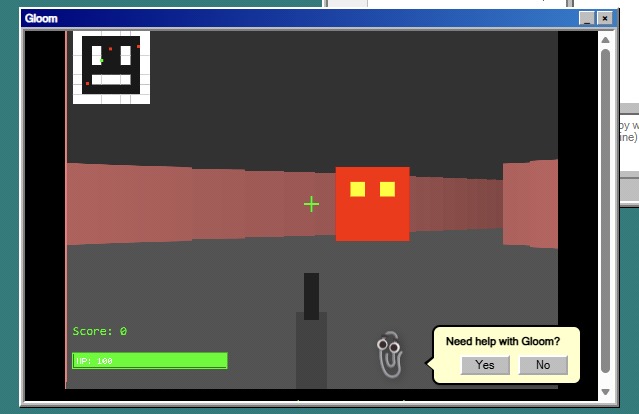
Gloom
-
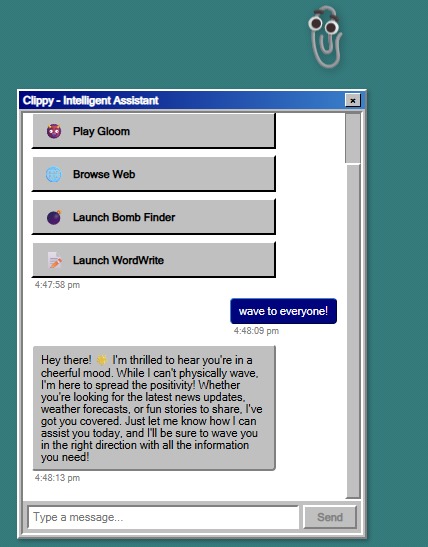
Clippy
-
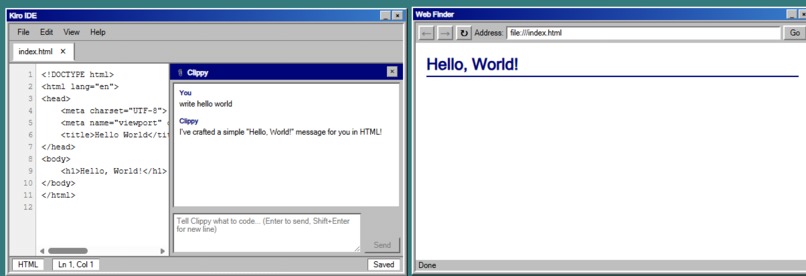
Kiro IDE
-
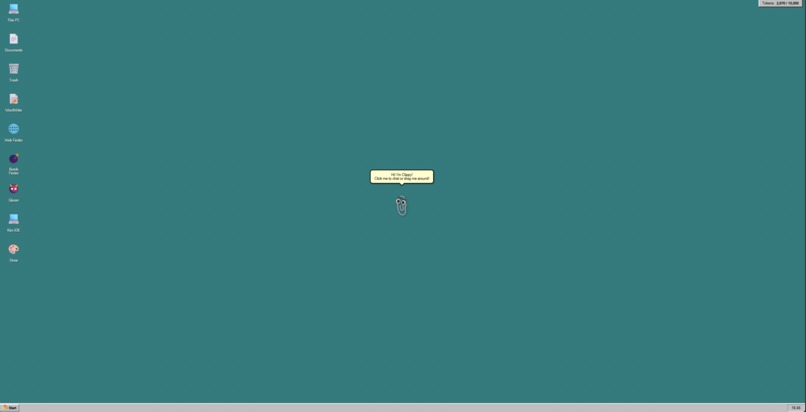
Desktop


Kiro 97
Inspiration
I wanted to recreate the nostalgic charm of Windows 98 in a modern, accessible way—right in the browser. The idea was to blend retro aesthetics with cutting-edge technology, giving users a playful yet functional experience that feels familiar but powered by today’s tools.
What it does
Kiro 97 is a browser-based Windows 98 emulation built with React and styled using 98.css. It features:
- A virtual in-memory file system for managing files without persistent storage.
- A context-aware AI Clippy assistant, powered by Amazon Bedrock, that interacts intelligently based on user actions.
- A fully functional Kiro IDE code editor integrated into the retro environment.
- A collection of nostalgic apps reminiscent of the original Windows 98 experience.
The entire project is hosted on AWS Amplify for seamless deployment and scalability.
How I built it
- Frontend: React + 98.css for authentic Windows 98 styling.
- AI Integration: Amazon Bedrock for Clippy’s context-aware interactions.
- Hosting: AWS Amplify for fast, reliable deployment.
- File System: Custom virtual in-memory implementation.
- IDE: Built-in Kiro IDE for coding inside the emulated OS.
Challenges I ran into
- Designing a responsive UI that stays true to Windows 98 aesthetics.
- Integrating AI Clippy into the UI that blended modern with retro.
Accomplishments that I’m proud of
- Successfully blending retro design with modern AI capabilities.
- Creating a fully functional IDE inside a nostalgic environment.
What I learned
- How to integrate AI services like Amazon Bedrock into a browser-based app.
- Best practices for building virtual file systems in JavaScript.
- The importance of balancing nostalgia with usability and performance.
What's next for Kiro 97
- Fleshing out the feature set.
Built With
- amplify
- bedrock
- nextjs
- typescript
Log in or sign up for Devpost to join the conversation.