-
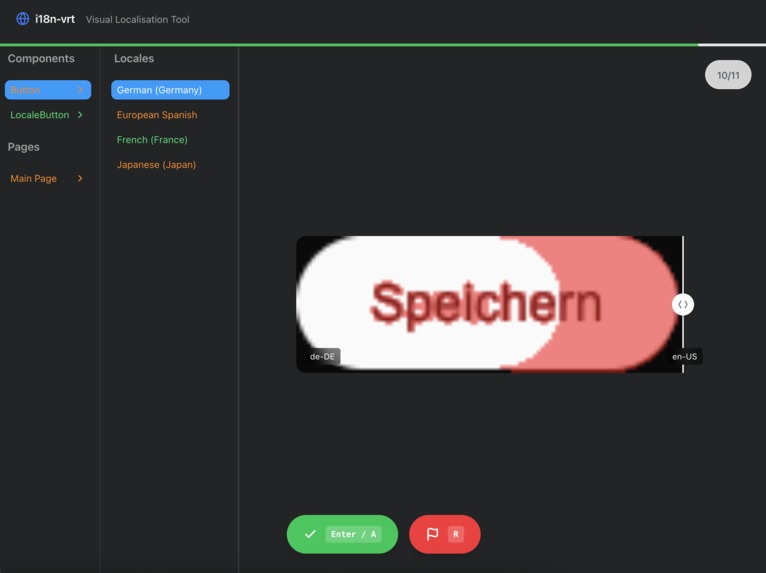
Shows visual diff for all localisation files, against a `baseline` language
-
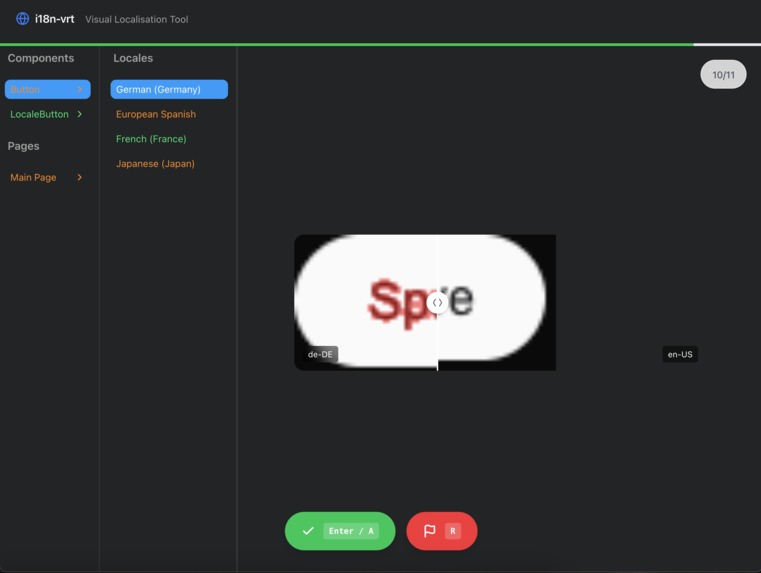
The user can use the slider to check the visual difference intuitively.
-
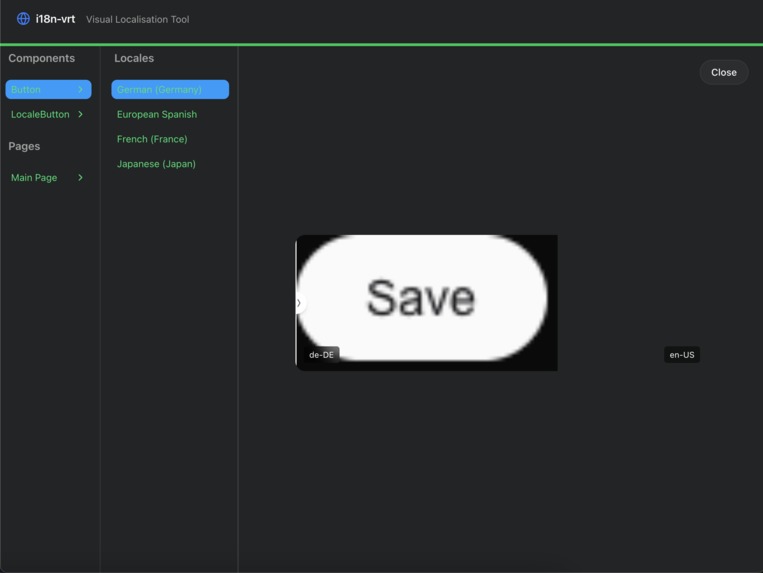
In this example, the baseline was set to English.
-
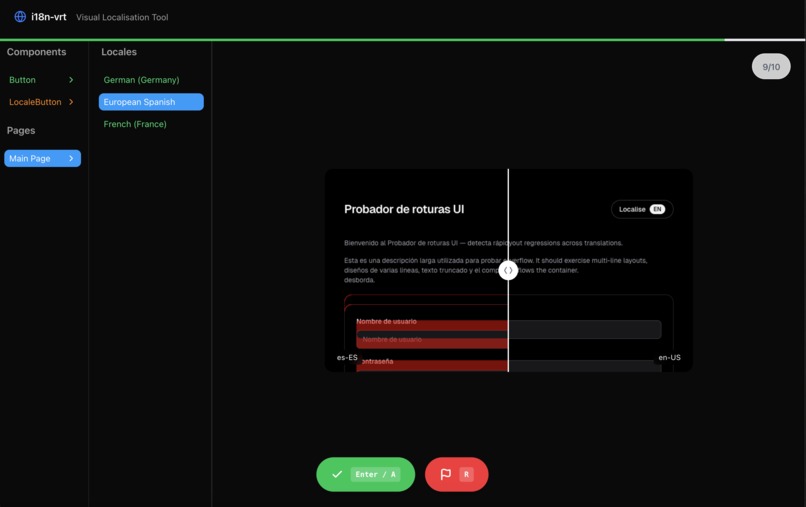
Visual diffs are also calculated for each page.


Inspiration
Making sure internationalisation does not break UI is HARD.
Almost all the big companies have at least one case of UI failing due to i18n.
We wanted to enable developers to produce better layouts for their translated web pages, explicitly showcasing unintended UI behaviour.
The Localization Safety Net
Every new language added to your app is a potential landmine for your CSS. Our semi-automated testing suite acts as a continuous audit layer, intercepting unintended UI shifts the moment a translation is injected. By flagging anomalies for human review, we bridge the gap between automated speed and human precision, ensuring that a "longer word" never becomes a "broken experience."
Features
Automated UI Stress-Testing Instantly scan your components against diverse language sets to detect text-overflow, layout shifts, and alignment breakage before they reach the user.
Side-by-Side Visual Diffing Eliminate the guesswork with a synchronized comparison view. Directly overlay localized versions against the source language to spot even the most subtle padding issues.
Rapid Issue Triage Don't just find bugs—fix them. Use built-in flagging tools to tag, categorize, and prioritize UI regressions for your design and dev teams.
Power-User Workflow Built for speed. Navigate through hundreds of language permutations effortlessly with a comprehensive set of keyboard shortcuts designed for high-velocity reviewing.
Log in or sign up for Devpost to join the conversation.