-
-
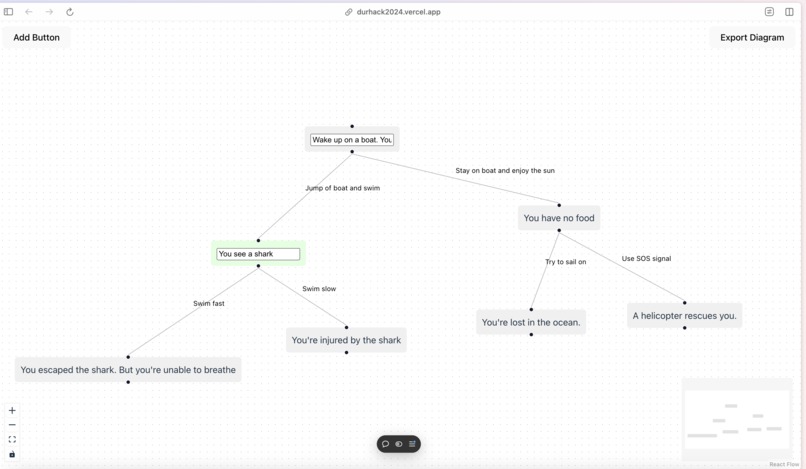
The build page
-
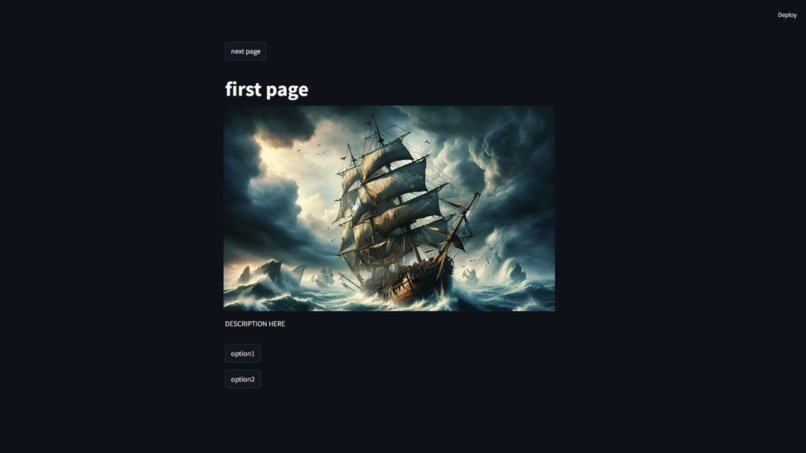
Game interface v2
-
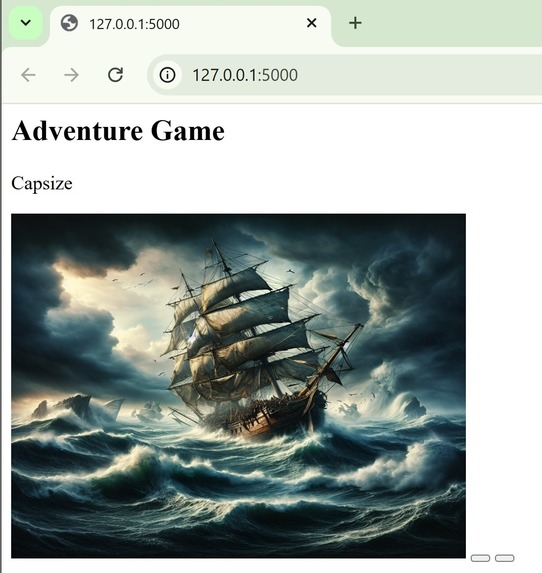
Implementation of image generation in a simple HTML page due to issues with Streamlit
-
-
-
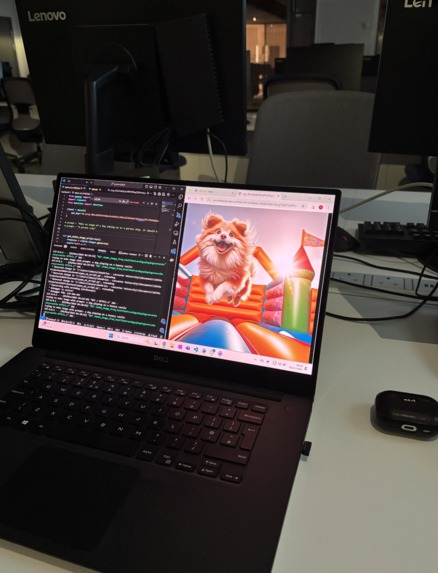
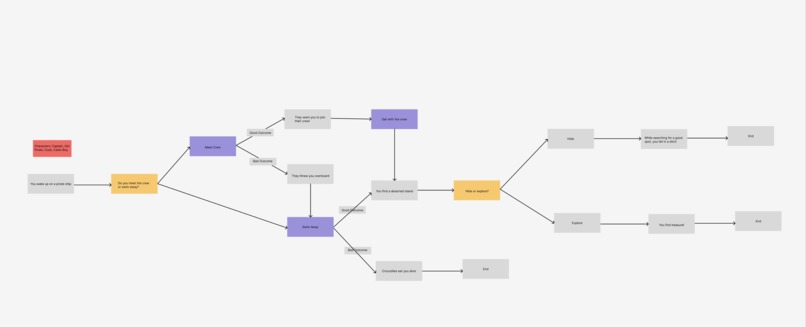
Generating images for the story based on story board prompts and DALEE
-
Create-a-Quest Logo
-
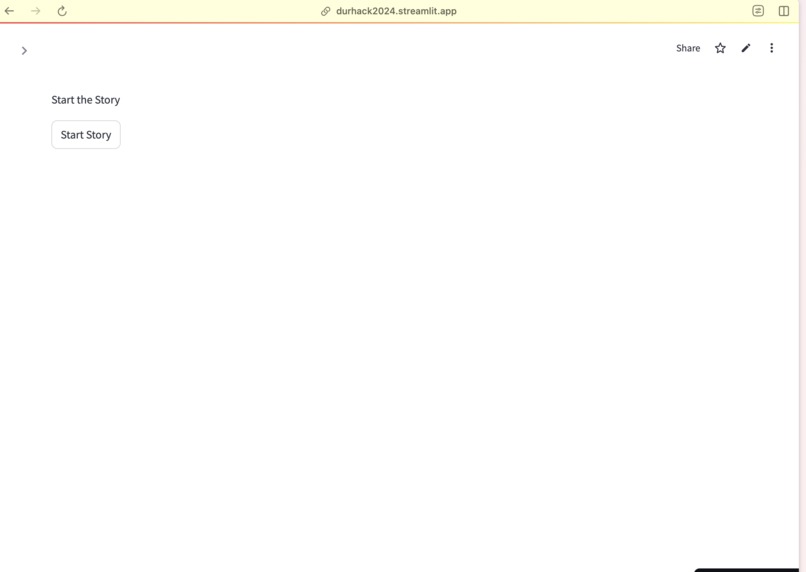
The game page v1
-
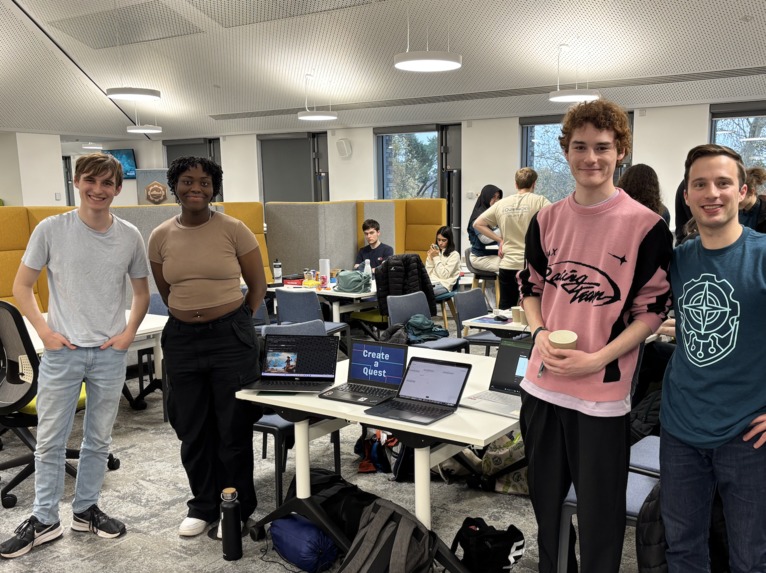
Presenting Create A Quest


Inspiration
For the next generation of software developers, an interest in game development is an igniting spark for this passion. Unfortunately, due to the high cost of equipment and learning tools, it is hard for children from low-income communities to get their foot in the door. By prioritising ease of use, technologies (like Scratch or Microsoft: Make Code) that aim to bridge this gap tend to limit the ability of their users to create. While it is possible to make more complex games, this isn’t possible without being incredibly well-versed in both game development techniques and the tools themselves. There is a clear need for technology that can teach children the basic elements of game development while allowing them to create the games they dream of without these barriers. Create-a-Quest aims to solve that problem.
What it does
Using an easy, intuitive interface, the user creates a story tree detailing the scenes in a text-based choose-your-own-adventure game. The AI model, DALLE, then produces images to represent each chapter in the story. The output generated is a game window where the user can play their story as an immersive game that lets them explore how their inputs influence the outcomes of their story.
How we built it
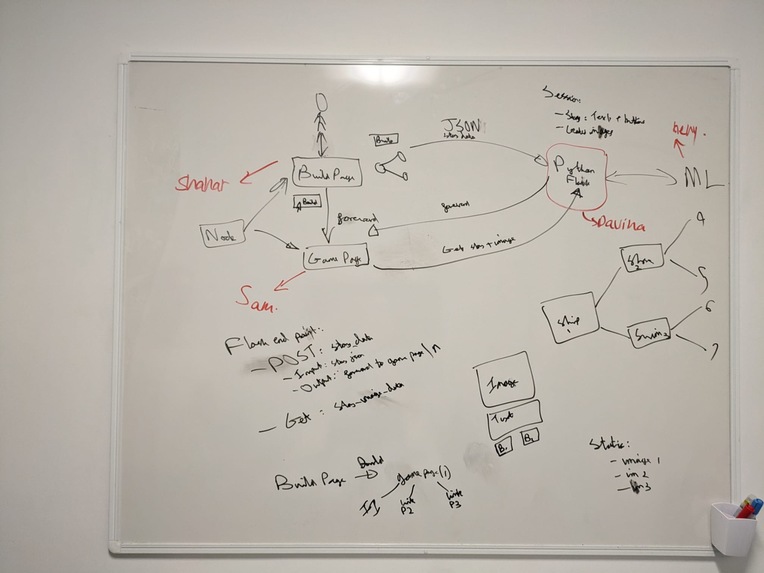
The React Flow Library was used to create a web page that allows users to drag and drop nodes and edge pieces to create a story tree of their desired plot. When the “Export Data” button is pressed, a JSON file containing the details of the storyboard is sent to a program that uses Open AI’s DALLE API to convert the text prompt into an image. The program then sends a JSON file containing the story text, image URL and the different button options to the game web page, which was created using Streamlit. Whenever a choice is made (button is pressed), the DALLE program sends a new JSON file containing the necessary chapter information. Communication between the web pages and the DALLE program is facilitated using a program that implements the Flask Rest API.
Challenges we ran into
The first major issue we encountered was that the AI model we originally planned to use took a long time to download due to the slow internet. The model was redownloaded every time we attempted to rerun the code, meaning debugging took far too long. We were able to research other smaller models and implement one of those instead. To run our project, we initially had three frameworks on three separate endpoints to run a single web server. This made integration very difficult as we could only find free ways to integrate two frameworks at most (Dgrok). We initially attempted to run the program on multiple machines, then we tried hosting everything on the cloud, but we ultimately decided it was best to run everything locally and manually expose the necessary ports on a single machine. Arguably, the most significant challenge we faced was that many of our members weren’t knowledgeable about many elements needed to create this project. To overcome this, we needed to do some exploration of our own into several topics and languages we had not used before. In the end, we came away with much more knowledge of Flask API, the Streamlit library and web app development, which we can hopefully apply to future projects.
Accomplishments that we're proud of
Sam went from having no knowledge of Streamlit or React Flow to using them to develop web pages. Henry used his knowledge of AI to research, understand and write code that implemented a diffusion model, an AI model he had never used before. Shahar was able to create his first web page using React Flow and problem-solve the integration issues we were facing, all while supporting the other members of our team through immense amounts of pressure. Davina learned a lot about web applications, flask API and diffusion models and the different ways these elements can work together to produce a working system.
What we learned
We learned how to create web pages using the ReactFlow and Streamlit libraries and how to use the Flask API to help them communicate. We explored different diffusion models, how they can be implemented and how to manipulate tradeoffs between image quality and image generation speed. Finally, we learned how to make use of our individual strengths to learn new skills and support each other in the development of our system.
What's next for Create-a-Quest
We are very interested in how AI could be used to aid users in the creation of the story trees themselves. We believe there are ways it can spark and aid user creativity without removing their autonomy completely. In the future, we would like to implement an AI that suggests extra plot elements or outcomes for the story based, helping the user flesh out their budding ideas.
Built With
- diffusion-models
- flask-rest-api
- generative
- models
- react
- react-flow
- streamlit


Log in or sign up for Devpost to join the conversation.