-
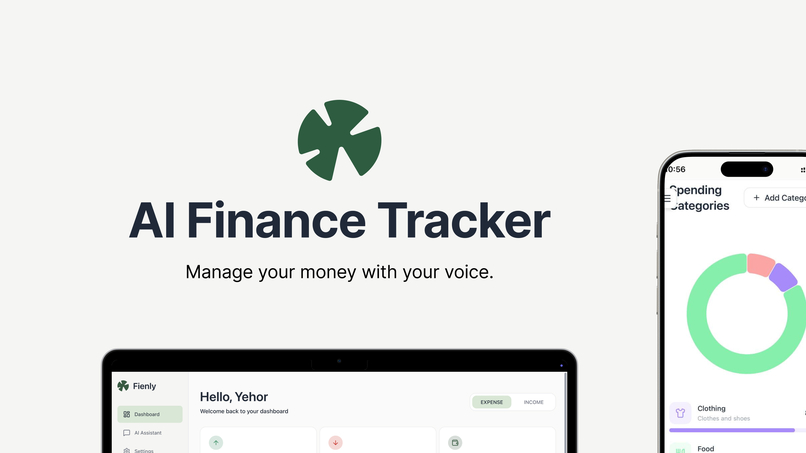
Fienly - AI Finance Tracker
-
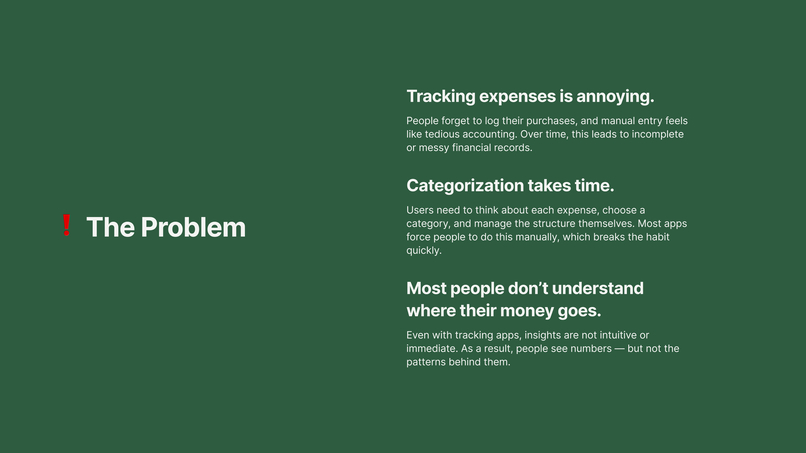
The Problem
-
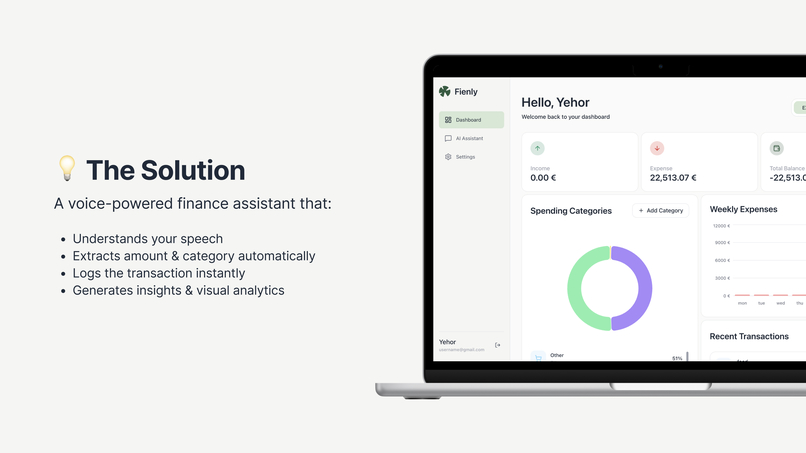
The Solution
-
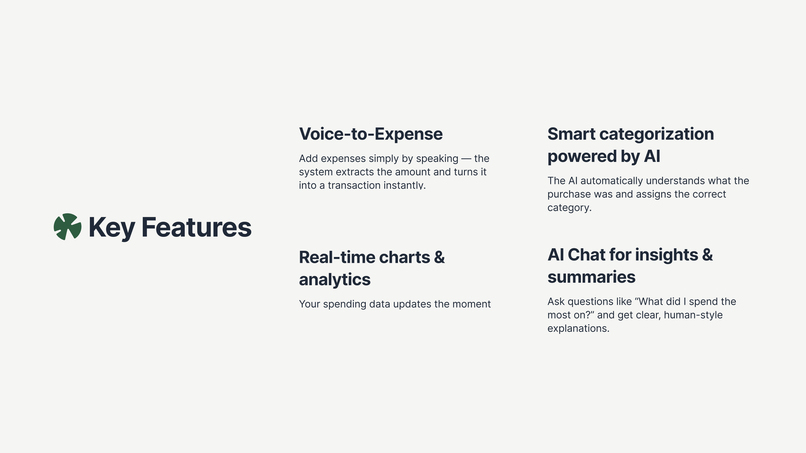
Key Features
-
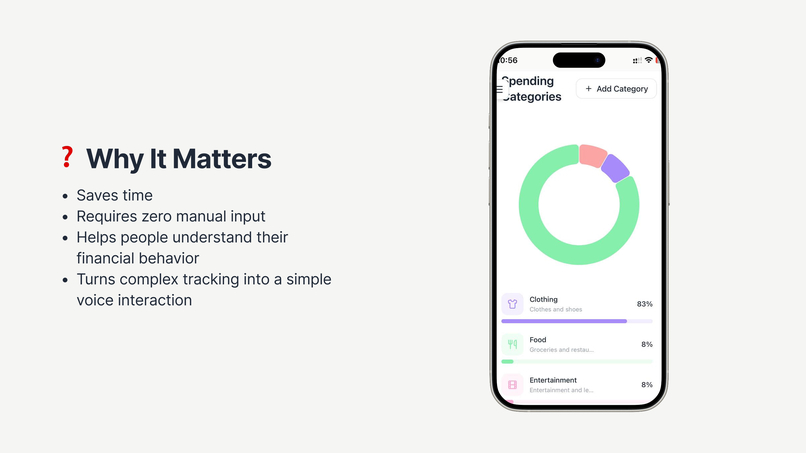
Why It Matters?


Inspiration
We were tired of manually logging expenses — apps like Monefy or MyFitnessPal make you tap through endless menus. We kept forgetting small purchases and later wondered where the money went. So the idea was simple: just say “bought coffee for 5 euros” and the app handles the rest.
What It Does
It’s a financial assistant you talk to. Type or say something like “spent 50 euros on groceries and 20 on taxi” and the app:
extracts all transactions from the message
converts currencies
categorizes everything automatically
You can ask things like “how much did I spend on food this week?” and get clear charts and analytics. Voice is supported — Whisper transcribes, GPT parses. The dashboard shows categories, weekly trends, and balance with real-time WebSocket updates.
How We Built It
React + TypeScript (Frontend) — chosen for fast development, a huge ecosystem, and strong typing to avoid dumb runtime bugs.
shadcn/ui — lets us build a clean, consistent UI quickly without drowning in manual styling.
NestJS (Backend) — structured architecture with built-in modules; keeps the codebase organized as the project grows.
PostgreSQL + Prisma — reliable relational DB + type-safe ORM, perfect for financial data and strict schemas.
GPT-4 for expense parsing — the most reliable at extracting structured transactions from messy natural language, so it became the core of the app.
Whisper API — extremely fast and accurate speech-to-text, ideal for smooth voice input.
Turborepo monorepo — shared types between frontend and backend, easier dev workflow, and no duplicated logic.
Feature-Sliced Design — prevents code chaos by enforcing a clear, scalable architecture from day one.
Challenges We Ran Into
Choosing the right AI approach. We tested everything — even letting the model generate SQL — but it was risky and unstable. We ended up using prompt engineering with strict JSON output, which kept things safe and predictable.
Endless prompt tweaking. GPT didn’t immediately understand how to extract multiple transactions from one message. We rewrote the prompt dozens of times until it finally worked reliably.
WebSocket synchronization issues. Messages sometimes arrived out of order, breaking the chat state. We had to rethink our optimistic updates and add safeguards to keep everything real-time and smooth.
Mobile voice input pain. Desktop was easy, but mobile browsers — especially Safari — all behaved differently with audio recording. We spent a lot of time debugging weird edge cases to make voice input stable.
Accomplishments that we're proud of
- Voice-to-transaction in under 3 seconds - record, transcribe, parse, done
- AI actually understands messy input like "coffee and croissant maybe 15 bucks total"
- Multi-currency conversion that just works automatically
- Real-time updates feel instant thanks to WebSocket
What we learned
We realized that working with AI is much harder than it looks — small wording changes can completely change the model’s output. Testing prompts on real, messy messages taught us more than any clean examples ever could. And the more we worked with GPT-4 and Whisper, the clearer it became that good results come from patience, iteration, and lots of trial and error.
Built With
- nest
- postgresql
- prisma
- react
- turborepo
- typescript

Log in or sign up for Devpost to join the conversation.